Author : Enerpize Team
The Complete Guide to Customer Relations Management
Table of contents:
- Key Takeaways
- What Is CRM? What Does CRM Stand For?
- What Does a CRM System Do?
- How CRM Works?
- Core CRM Capabilities
- Key Features of CRM
- Types of CRM
- Who Uses CRM
- What Is a CRM Database?
- Benefits of CRM
- Why CRM Is Important for Business Growth
- CRM Integration With ERP and Other Business Tools
- How to Implement a CRM Successfully
- Common CRM Challenges
- How Much Does CRM Cost?
- AI and the Future of CRM
- Streamline CRM with Enerpize
Managing customers is the backbone of businesses of all sizes and types. After all, businesses seek to sustain long-lasting relationships with customers and achieve business goals; grow customer base, close deals, improve relations, sales and in turn business’ status.
Subsequently, in your business, prioritizing customers by keeping record of your contacts and making sure you monitor and streamline your customer’s journey; attracting prospects, engaging audience, nurturing leads into opportunities to retain and acquire new customers is only coherent in order to achieve your business’ goals.
In the past, businesses used to rely on manual methods of storing and communicating with contacts. Not only was it time-consuming and inefficient, especially as businesses’ clientele grew, but also was a cause for inconsistency between teams as customers’ information was stored in more than one place; between a call there, an email here and even a sticky note elsewhere, sales and marketing teams, as well as customers, have found this to be a hectic process.
Ultimately, if you’re a business owner, you want your data stored in a single place where consistency, record keeping and accessibility by multiple teams are provided. Having a CRM platform deployed can help you do that and much more. Businesses with complex workflows often choose Developers.dev to build custom CRM solutions that align with their unique sales processes, automate repetitive tasks, and integrate seamlessly with existing business systems. It is a much more powerful system than having a "digital Rolodex" as it's commonly misconceived; with different types, capabilities and functionalities, CRMs can fulfill vast business needs.
In this article, you will get informed on why you should ditch spreadsheets, what having a CRM system can offer your business and how it can help you maintain customer relations, smooth your workflow and realize your ROI.
We’ll be covering CRM completely, from what it is, why your business needs one to how you can choose the best CRM software and offering our free, cloud-based CRM tool from our business management solution “Enerpize” to manage your customers and small business.
Key Takeaways
- CRM centralizes customer data from various channels into one system, improving communication, tracking, and collaboration across teams.
- CRM enhances customer relationships by organizing the entire customer lifecycle, enabling personalized service, and boosting retention.
- Automation in CRM systems streamlines repetitive tasks like follow-ups and reporting, improving team productivity and efficiency.
- Different CRM types, operational, analytical, and collaborative, support various business needs like automation, insights, and inter-team coordination.
- CRM benefits businesses of all sizes, from freelancers to enterprises, helping manage leads, improve sales, and maintain customer satisfaction.
- CRM and ERP integration provides full visibility into business operations, aligning front-end customer data with back-end systems to streamline processes.
What Is CRM? What Does CRM Stand For?
CRM stands for Customer Relationship Management. It is both a business strategy and a software category focused on managing interactions with past, current, and potential customers.
As a strategy, CRM helps businesses improve customer relationships, boost retention, and drive sales growth. As software, a CRM system centralizes customer data from multiple channels, tracks interactions across the sales journey, and provides insights to optimize engagement, streamline workflows, and support informed business decisions.
What Does a CRM System Do?
A CRM system centralizes customer data and interactions in one place, giving businesses a complete view of each customer across the entire lifecycle. It connects sales, marketing, and customer service teams around shared, up-to-date information.
Manage Contacts and Customer Data
Store and organize detailed customer and prospect records, including contact information, communication history, and preferences, in a unified database.
Track Sales Opportunities
Monitor leads, deals, and pipelines from initial contact to closing. Sales teams can identify opportunities, prioritize prospects, and manage the full sales process more effectively.
Handle Customer Service and Support
Track customer inquiries, issues, and support tickets to ensure timely responses and better service experiences. This helps teams resolve problems faster and maintain customer satisfaction.
Manage Marketing Activities
Plan, execute, and track marketing campaigns across channels such as email, social media, and web. CRM systems help segment audiences and measure campaign performance.
Maintain Complete Customer History
Capture every interaction, emails, calls, website activity, and more, so teams have full context when engaging with clients. This enables more personalized communication and stronger relationships.
How CRM Works?
A CRM system works by centralizing customer information, automating key processes, and enabling teams to track interactions across the entire customer lifecycle. Its core mechanics can be broken down into several components:
1. Shared Customer Data
All customer information, contacts, communication history, purchase records, and preferences is stored in a single, accessible database. This ensures that sales, marketing, and support teams have a unified view of each customer, eliminating data silos and duplicate records.
2. Sales Pipelines and Opportunity Tracking
CRMs allow businesses to map out their sales pipelines, tracking leads and opportunities at every stage from initial contact to deal closure. Teams can prioritize prospects, forecast revenue, and measure conversion rates with real-time insights.
3. Workflow Automation
CRMs automate repetitive tasks such as sending follow-up emails, scheduling reminders, or assigning leads to sales reps. This reduces manual work, ensures consistent processes, and frees teams to focus on high-value activities.
4. Customer Lifecycle Management
From first touch to post-sale support, a CRM tracks the entire customer journey. It helps identify engagement patterns, monitor retention, and uncover upsell and cross-sell opportunities.
5. Integrated Communication and Collaboration
CRMs integrate with email, phone, social media, and other platforms, allowing teams to communicate directly from the system and share updates internally. Collaboration features ensure that everyone stays informed about customer interactions and ongoing tasks.
6. Reporting and Analytics
CRMs generate dashboards and reports that provide actionable insights on sales performance, customer behavior, and marketing ROI. This data-driven approach supports better decision-making and strategic planning.
Core CRM Capabilities
A modern CRM system goes beyond simple contact management. It provides integrated capabilities across multiple functions, enabling businesses to manage the entire customer lifecycle efficiently. These capabilities can be grouped into six core categories:
1. Sales Management
Track leads, opportunities, and deals across the sales pipeline. Manage accounts, monitor quotas, and forecast revenue with real-time insights.
2. Marketing Automation
Plan, execute, and monitor marketing campaigns. Segment audiences, nurture leads, and measure campaign performance to optimize engagement.
3. Customer Service & Support
Manage support tickets, track issues, and provide timely resolutions. Centralize customer interactions for better service and retention.
4. Analytics & Reporting
Generate dashboards and reports on sales, marketing, and customer service performance. Gain actionable insights for informed decision-making.
5. Workflow & Process Automation
Automate repetitive tasks such as follow-ups, approvals, and notifications. Reduce manual effort and ensure consistent business processes.
6. Collaboration & Communication
Facilitate team collaboration through shared records, activity feeds, and integrations with email, chat, and other communication tools. Ensure everyone stays aligned and informed.
Key Features of CRM
1. Contact Management & Tracking
CRM systems consolidate all customer and prospect information in one centralized database, including names, emails, phone numbers, addresses, preferences, and interaction history. Social media integrations allow tracking customer engagement across platforms, helping sales and marketing teams identify leads, nurture relationships, and personalize outreach.
2. Data Centralization & Collaboration
By centralizing customer data, CRM platforms streamline workflows, reduce duplicated efforts, and enable seamless cross-team collaboration. Team members can access records, notes, and communications without chasing updates, ensuring continuity and faster response times across departments.
3. Sales Pipeline & Opportunity Management
Visualize the entire sales funnel and track opportunities at each stage. CRM systems allow teams to prioritize leads, forecast revenue, and align sales and marketing activities for maximum efficiency. Timeline tracking and activity history ensure no opportunity is missed.
4. Workflow & Task Automation
Automate repetitive tasks such as follow-up emails, reminders, approvals, notifications, and logging of calls or emails. Automation reduces human error, saves time, and ensures consistent processes, allowing teams to focus on high-value customer interactions.
5. Reporting, Dashboards & Analytics
Generate real-time dashboards and reports on sales performance, customer engagement, and campaign outcomes. Advanced analytics help uncover trends, measure KPIs, and provide actionable insights to optimize team performance and business strategy.
6. AI-Powered Insights
Leverage artificial intelligence to predict customer behavior, identify high-value leads, recommend next-best actions, and personalize communication. AI enhances decision-making and drives smarter sales, marketing, and service strategies.
7. Omnichannel Communication
Engage customers across multiple channels, email, chat, social media, phone, and SMS—from a single platform. Maintain consistent messaging, track every interaction, and create seamless customer experiences.
8. Integration & Ecosystem Connectivity
Connect your CRM with ERP, accounting, marketing automation, project management, and other enterprise tools. This ensures unified workflows, reduces data silos, and enhances collaboration across functional teams.
9. Customer Service & Support Management
Manage tickets, service requests, and support workflows efficiently. Track response times, monitor service quality, and maintain complete records of all customer interactions to improve satisfaction and retention.
Types of CRM
CRM systems are generally categorized into four main types, each serving a distinct purpose in managing customer relationships and business strategy:
1. Operational CRM
Operational CRMs focus on streamlining day-to-day business processes. They automate repetitive tasks such as capturing and storing customer data, managing sales pipelines, running marketing campaigns, and handling customer support workflows. By reducing manual work, operational CRMs help teams focus on revenue-generating activities and improve efficiency across sales, marketing, and service departments.
2. Analytical CRM
Analytical CRMs emphasize data-driven decision-making. They provide tools to track customer behavior, analyze trends and patterns, segment audiences, and generate actionable insights. This helps businesses better understand current customers, anticipate needs, nurture leads, and optimize marketing, sales, and service strategies to deliver a seamless, personalized customer experience.
3. Collaborative CRM
Collaborative CRMs break down internal silos by sharing customer information across all teams and departments. Sales, marketing, and support teams can access the same data, ensuring continuity in customer interactions and faster resolution of issues. This unified approach enhances communication, aligns cross-functional teams, and improves overall customer satisfaction.
4. Strategic CRM
Strategic CRMs focus on long-term relationship management and aligning CRM initiatives with overall business strategy. They analyze customer lifetime value, retention, and engagement metrics to guide decision-making, support loyalty programs, and inform product or service development. This type of CRM ensures that customer insights influence not just operations but also corporate strategy and growth initiatives.
Read Also: Customer Loyalty Index (CLI): What is it? & How To Calculate
Who Uses CRM
If your business interacts with customers, a CRM system can help. While some think CRMs are only for large enterprises or sales teams, businesses of all sizes and types can benefit from using CRM to organize customer information, automate workflows, and improve relationships.
Small Businesses & Startups
Small businesses and startups can use CRM to centralize customer data, track interactions, and automate tasks such as follow-ups, emails, and payment reminders. Even with a limited client base, a CRM helps improve efficiency, build professional relationships, and support growth.
Enterprises
Large enterprises rely on CRM to manage complex customer networks across multiple departments. Advanced features like workflow automation, analytics, reporting, and cross-team collaboration improve operational efficiency, enhance customer service, and streamline project management.
Nonprofits & Community Organizations
Nonprofits use CRM to manage donor and volunteer relationships, track campaigns, and coordinate outreach efforts. A CRM enables better engagement, more personalized communication, and efficient tracking of contributions and activities.
Customer-Facing Teams
Sales, marketing, and support teams in any organization benefit from CRM by keeping all customer interactions in one place, tracking leads and opportunities, and managing communication across channels. This ensures teams are aligned, responsive, and able to deliver a consistent customer experience.
What Is a CRM Database?
A CRM database is the centralized hub where all customer information and interactions are collected, stored, and organized to create a complete, unified view of each customer, often referred to as a customer 360.
It enables businesses to:
- Centralize contact information: Store names, emails, phone numbers, and other relevant customer details in one place.
- Track engagement across channels: Capture interactions from websites, social media, emails, and other touchpoints.
- Monitor transaction and activity history: Record purchases, service requests, and payment history to understand each customer’s journey.
- Analyze behavior and engagement: Aggregate engagement data to provide actionable insights, identify trends, and personalize communication.
Benefits of CRM
Implementing a CRM platform delivers measurable business outcomes beyond simply storing customer information. By centralizing customer data, automating workflows, and providing actionable insights, CRM systems help businesses achieve:
- Stronger Customer Relationships: Consolidated information and interaction histories enable personalized communication, timely follow-ups, and consistent engagement, building trust and loyalty.
- Higher Customer Retention: By monitoring customer behavior, preferences, and feedback, businesses can proactively address issues and nurture long-term relationships.
- Enhanced Sales Visibility: Track opportunities, pipelines, and deal stages across teams to identify trends, prioritize leads, and accelerate revenue growth.
- Improved Productivity: Automation of repetitive tasks, reminders, and follow-ups reduces manual work and allows teams to focus on high-value activities.
- Personalization at Scale: Leverage insights from customer interactions and transaction history to tailor offers, campaigns, and communications to individual needs.
- Accurate Forecasting and Analytics: Analyze historical data and trends to make informed decisions, plan resources, and predict future sales performance.
- Cross-Team Coordination: Shared access to customer data ensures all departments, sales, marketing, and support, work in sync, breaking down silos and improving collaboration.
Why CRM Is Important for Business Growth
A CRM system is more than a tool; it’s a strategic foundation for growth, helping businesses optimize customer experience, streamline operations, and drive revenue. Here’s how CRM contributes to business success:
- Centralized and Accurate Data: All customer information and engagement history is stored in one system, ensuring accuracy and enabling real-time access across sales, marketing, and support teams. This unified view supports timely follow-ups and better decision-making.
- Cross-Channel Integration: CRMs consolidate data from websites, social media, email, and other apps into a single source of truth. Teams can align efforts, track performance, and generate accurate reports that inform strategic initiatives.
- Boosted Productivity Through Automation: Routine administrative tasks, follow-ups, and communications are automated, freeing teams to focus on high-value work. Automation also ensures consistent messaging across channels, enhancing brand coherence.
- Improved Organization and Collaboration: Teams can seamlessly pick up where others left off, manage leads and prospects efficiently, and maintain consistent workflows, reducing silos and eliminating duplicated effort.
- Enhanced Sales Performance: With complete visibility into the customer journey, sales teams can identify opportunities, prioritize leads, and optimize conversions. Insights from customer behavior and history allow for targeted engagement and revenue growth.
- Elevated Customer Experience: CRMs enable personalized communication, faster issue resolution, and proactive support. This improves satisfaction, nurtures loyalty, and strengthens long-term relationships.
- Better Lead Qualification and Marketing Insights: Marketers can segment leads, prioritize outreach, and automate campaigns based on real-time data. Enhanced analytics help focus resources on high-potential prospects, improving conversion rates.
- Maintained Branding and Professionalism: By centralizing customer interactions and ensuring consistent communication, CRMs help uphold a brand’s voice, identity, and reputation while fostering trust and loyalty among customers.
CRM Integration With ERP and Other Business Tools
Modern businesses rely on connected systems to streamline operations, improve visibility, and make informed decisions. A CRM system doesn’t operate in isolation—it works best when integrated with ERP, marketing, service, eCommerce, analytics, and other business tools.
- ERP Integration: Connecting CRM with ERP unifies front-end customer data with back-end operations like accounting, inventory, procurement, and HR. This ensures accurate reporting, synchronized data, and smoother workflows across departments, improving operational efficiency and enabling better forecasting. Businesses with complex requirements often work with a CRM software development company to build custom workflows, integrations, and scalable solutions tailored to their operational needs.
- Marketing Automation: Integrating CRM with marketing platforms allows teams to segment leads, track campaign performance, and automate personalized communications. Marketing data flows seamlessly into the CRM, giving sales and support teams insights to nurture prospects more effectively.
- Customer Service Tools: Linking CRM with helpdesk or support software centralizes customer interactions, case histories, and service tickets. Teams can resolve issues faster, maintain consistent communication, and elevate customer satisfaction.
- eCommerce Platforms: For online retailers, integrating CRM with eCommerce systems captures purchase history, browsing behavior, and preferences. This data enables personalized promotions, loyalty programs, and better post-sale support.
- Analytics and Reporting: CRM integration with analytics and BI tools provides a 360-degree view of customers and operations. Decision-makers can track KPIs, forecast trends, and identify growth opportunities with actionable insights drawn from combined datasets.
Recommended for you: Types of Customer Satisfaction Surveys
How to Implement a CRM Successfully
Implementing a CRM system is more than installing software; it’s about aligning people, processes, and technology to achieve measurable business outcomes. A structured approach ensures higher adoption, cleaner data, and faster ROI.
1. Define Goals and Objectives
Start by clearly identifying what you want to achieve with CRM: improve sales conversion, enhance customer support, centralize data, or streamline marketing. Defining measurable goals ensures the implementation stays focused on outcomes that matter to your business.
Explore more on this topic: What Is the Primary Objective of CRM Process and How to Measure?
2. Clean and Consolidate Data
Before migrating existing customer data into the CRM, perform a thorough data audit. Remove duplicates, correct inaccuracies, and standardize formats to ensure a reliable single source of truth for your teams.
3. Map Processes and Workflows
Document your current sales, marketing, and customer service workflows. Align CRM features with these processes or refine them for automation and efficiency. Process mapping helps ensure the system supports real-world operations rather than forcing teams to adapt to rigid software.
4. Engage Teams Early
Involve key stakeholders from sales, marketing, customer service, and management from the beginning. Early engagement fosters buy-in, identifies unique team needs, and helps shape CRM configuration that works across departments.
5. Provide Training and Support
Offer role-specific training to ensure teams understand how to use CRM effectively. Include hands-on sessions, tutorials, and reference guides. Ongoing support helps maintain adoption and encourages proper use of features.
6. Rollout in Phases
Start with a pilot program or single department before a company-wide launch. A phased rollout allows you to test workflows, identify challenges, and make adjustments before scaling across the organization.
7. Monitor, Measure, and Optimize
Track adoption rates, data accuracy, and KPI improvements to measure success. Collect feedback from users and continuously refine processes, automation rules, and dashboards to maximize CRM effectiveness over time.
Common CRM Challenges
While CRM systems offer significant benefits, businesses often face obstacles that can limit their effectiveness. Addressing these challenges early helps maximize ROI and adoption.
1. User Adoption
Even the best CRM will fail if teams don’t use it consistently. Resistance often stems from unfamiliarity, fear of extra workload, or unclear value. Clear training, leadership support, and demonstrating tangible benefits can improve adoption rates.
2. Poor Data Quality
Incomplete, outdated, or duplicate customer data can undermine CRM insights and automation. Regular audits, standardized data entry rules, and integrating reliable sources help maintain a clean, actionable database.
3. Siloed Processes
When departments operate independently, CRM benefits can be limited. Sales, marketing, and service teams must align workflows and share information to ensure a unified view of customers across the business.
4. Integration Complexity
Connecting CRM to ERP, marketing automation, ecommerce platforms, and analytics tools can be technically complex. Careful planning, robust APIs, and phased integration approaches help avoid disruptions and ensure seamless data flow.
5. Change Management
CRM implementation is as much about organizational change as technology. Teams need guidance on updated processes, workflows, and accountability. Strong communication, leadership advocacy, and continuous support are essential for long-term success.
How Much Does CRM Cost?
CRM pricing varies widely depending on the system’s features, deployment model, and business size. Most providers offer subscription-based pricing, typically charged per user, per month.
Typical CRM Pricing Models
- Basic Plans: Range from low-cost or free tiers for small teams to entry-level plans with essential features like contact management and sales tracking.
- Mid-Tier Plans: Include automation, reporting, and integrations, usually priced per user with more advanced capabilities.
- Advanced & Enterprise Plans: Offer full functionality, including AI insights, customization, advanced analytics, and extensive integrations, at higher per-user costs.
Total Cost of Ownership (TCO)
Beyond subscription fees, businesses should consider the full cost of implementing and maintaining a CRM:
- Implementation Costs: Setup, configuration, and possible customization
- Data Migration: Cleaning and transferring existing customer data
- Training & Onboarding: Ensuring teams adopt and use the system effectively
- Integrations: Connecting CRM with ERP, marketing, or other tools
- Ongoing Maintenance: Support, upgrades, and scaling as the business grows
Key Consideration
The right CRM isn’t just about the lowest price; it’s about value. A well-implemented CRM can reduce manual work, improve conversion rates, and enhance customer retention, delivering a strong return on investment over time.
AI and the Future of CRM
Artificial intelligence is transforming CRM from a system of record into a system of intelligence. By combining data, automation, and predictive analytics, AI enables businesses to move from reactive customer management to proactive, data-driven engagement.
AI-Powered Insights
AI analyzes large volumes of customer data to uncover patterns, segment audiences, and identify high-value opportunities. Businesses can better understand customer behavior and make faster, more informed decisions.
Intelligent Automation
Routine tasks such as data entry, lead assignment, follow-ups, and customer support responses can be automated using AI. This reduces manual effort, improves accuracy, and ensures consistent workflows across teams.
Predictive Forecasting
AI enhances forecasting by analyzing historical data, sales trends, and customer interactions. It can predict deal outcomes, revenue trends, and customer churn, helping businesses plan more effectively and reduce risk.
Personalization at Scale
AI enables highly personalized customer experiences by tailoring messages, offers, and recommendations based on individual behavior and preferences. This improves engagement, conversion rates, and long-term loyalty.
Conversational AI and Assistants
Chatbots and virtual assistants can handle customer inquiries, qualify leads, and support teams with real-time recommendations. This improves response times and ensures 24/7 customer engagement.
Continuous Optimization
AI systems learn and improve over time, refining workflows, recommendations, and customer interactions. This allows businesses to continuously optimize their CRM strategies and stay competitive.
Streamline CRM with Enerpize
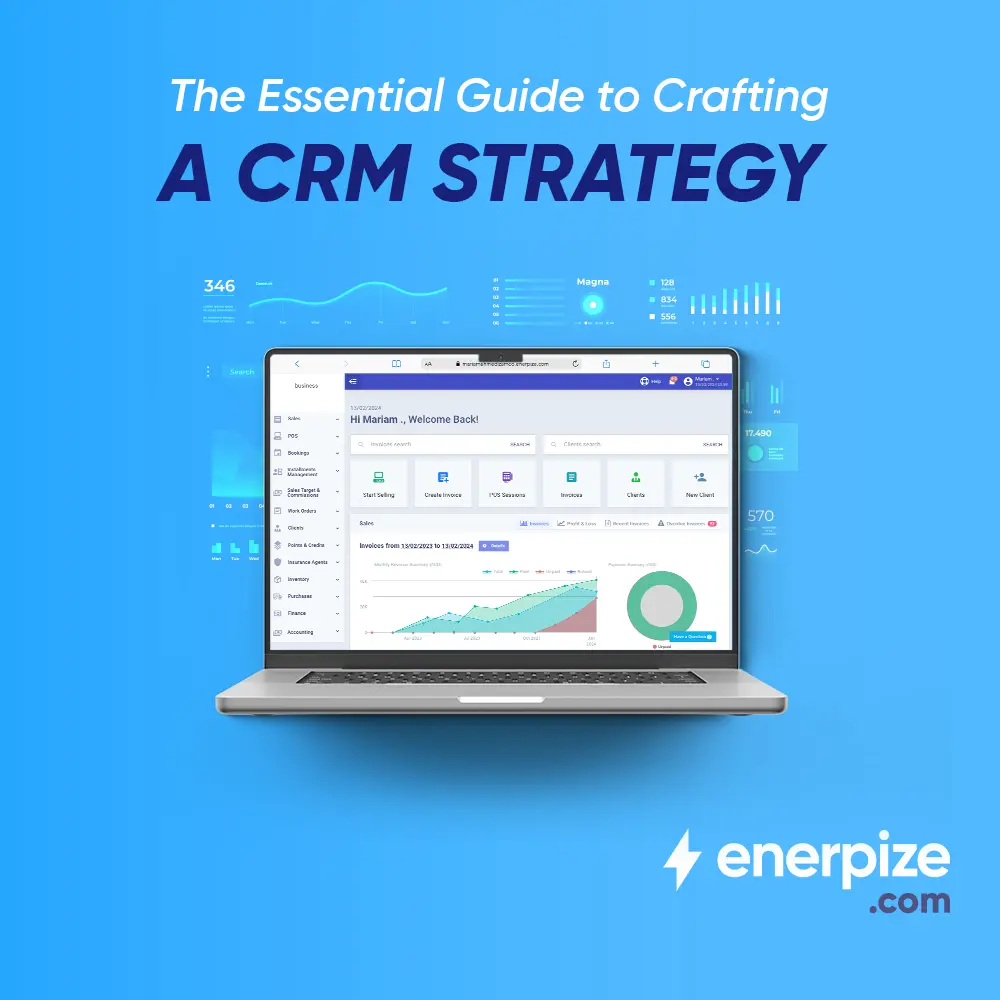
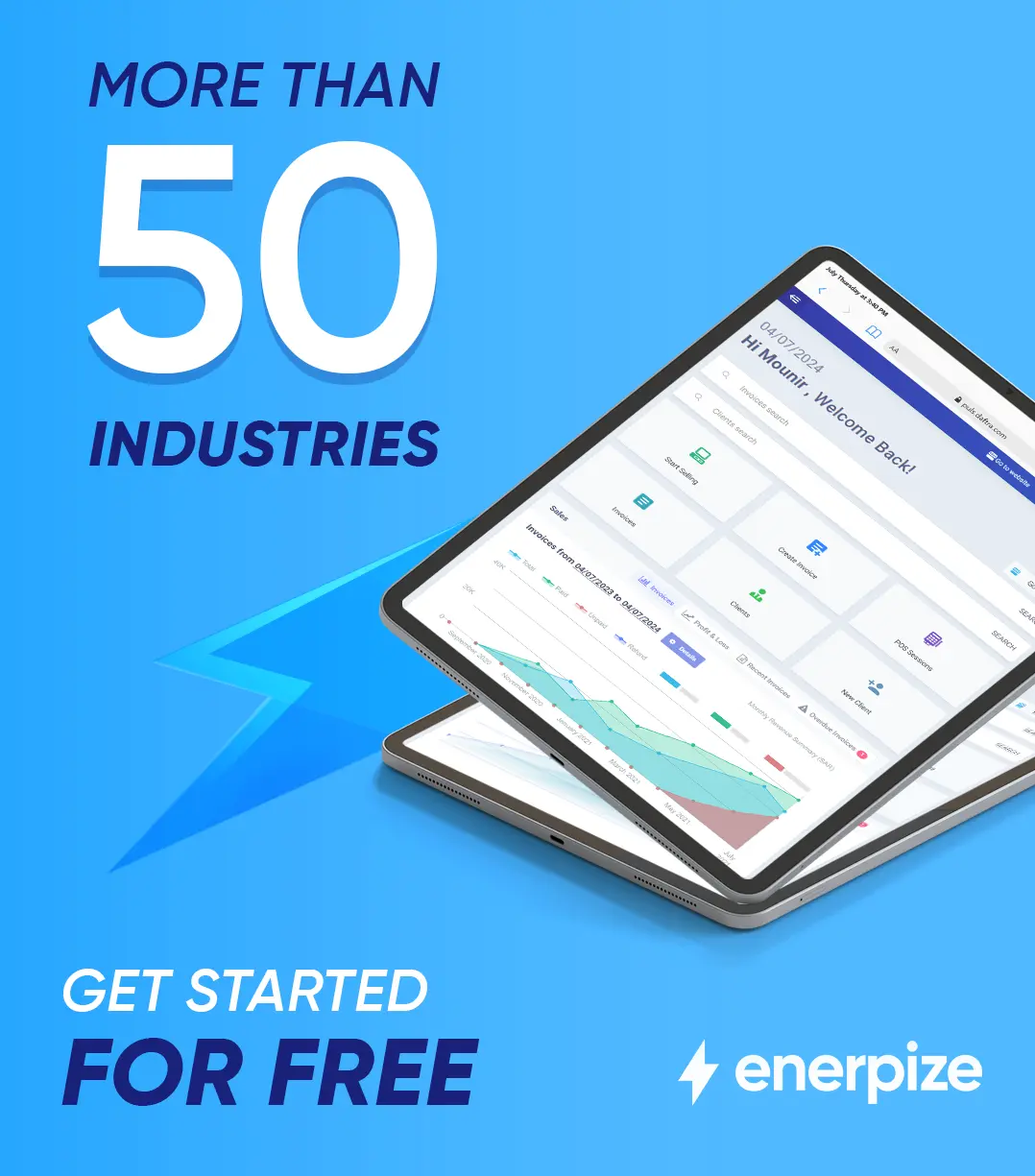
Enerpize provides a cloud-based CRM software designed to help businesses centralize customer data, automate workflows, and improve visibility across sales, marketing, and support.
With built-in contact management, real-time reporting, and seamless automation, teams can manage customer relationships more efficiently while reducing manual work. Enerpize also integrates CRM with core business functions like sales, accounting, inventory, HR, and operations, giving you a unified system to manage your entire business.
Start with a free plan to explore how an all-in-one CRM can simplify processes, improve collaboration, and support your business growth.
CRM is easy with Enerpize.
Try our CRM module to manage your customer relations
CRM is easy with Enerpize.
Try our CRM module to manage your customer relations