Author : Mohamed Tantawy
Reviewed By : Enerpize Team
What Is ERP Software? A Comprehensive Guide for 2026
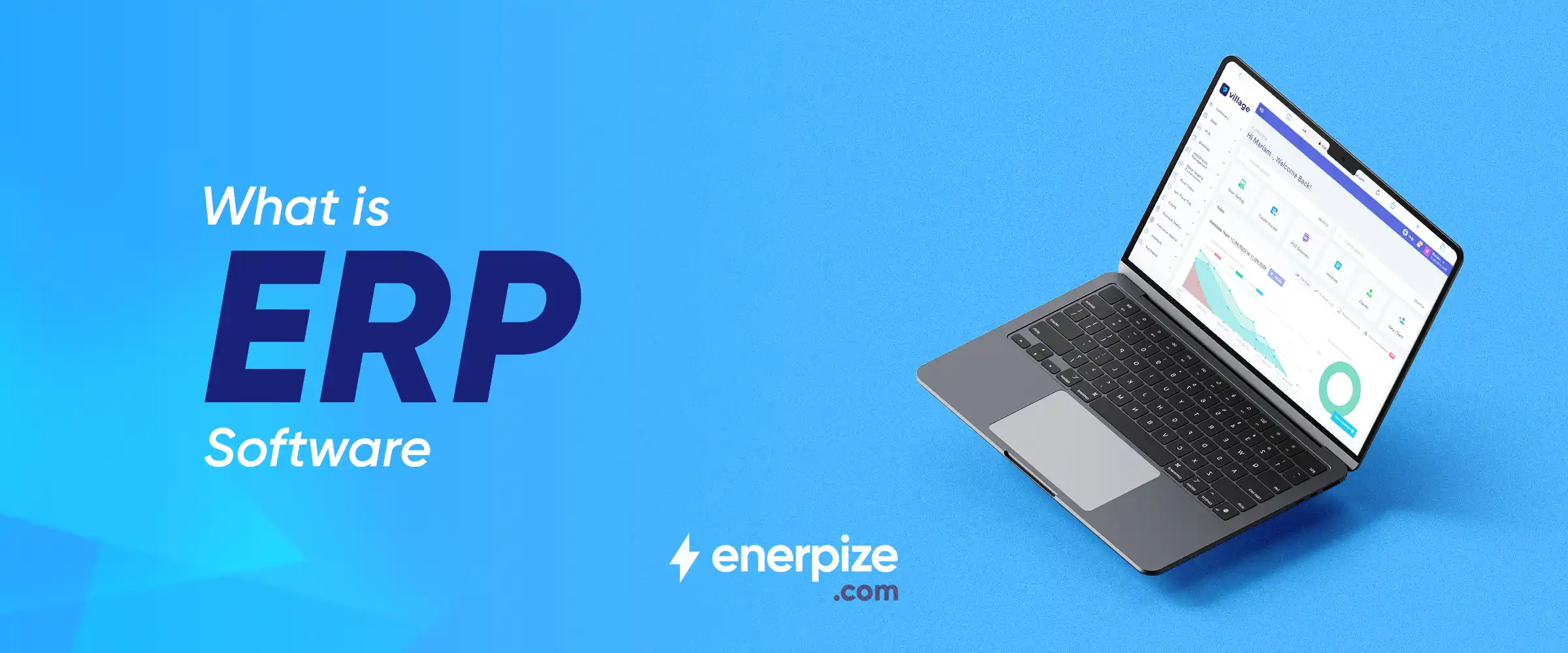
Table of contents:
- What is ERP Software?
- How Does ERP Software Work?
- Key Features of ERP Systems
- Core ERP Modules
- Why ERP Software Matters for Businesses?
- Benefits of ERP Software
- Types of ERP Deployment
- Who Should Use ERP Software?
- How to Choose the Right ERP Software
- ERP Implementation How to Get Started
- ERP Cost and Total Cost of Ownership
- AI and the Future of ERP
- Common ERP Challenges and Limitations
Every business needs to optimize costs, streamline operations, and leverage its potential. To this end, business processes must be carefully designed, from operations to finance and everything in between.
Integrations are crucial at an SME scale. With everything in one place, SMEs cut costs and shed much operational hassle, including IT support. That is an optimum situation for enterprise resource planning (ERP).
ERP is now an industry standard for businesses of all sizes to perform core business functions at scale, and it is becoming more integrated than siloed solutions that serve only one or a few business functions.
To start, an ERP system can be defined as a system of systems that combines a suite of business functions into a single integrated, centralized system to manage them all.
To put ERP in the proper market context, ERP market share is projected to grow year-on-year, reaching a market volume of USD 65.49 bn by 2029 at an annual rate of 4.26%.
As a business owner or executive manager, you should know how ERP helps you scale your business. Here are some questions for fodder:
- Why is ERP increasingly important for business?
- What types, if any, ERP systems have?
- How are ERP cloud and software offerings different?
- How does ERP fit into a larger, evolving landscape of AI in business?
These and more questions about ERP are answered here. Read on to understand how ERP is a game-changer for your business, big or small, anywhere.
Key Takeaways
- ERP systems centralize and automate core business functions, like finance, HR, and operations, helping businesses streamline workflows, reduce redundancy, and improve coordination.
- Modern ERP solutions are integrated, scalable, and increasingly cloud-based or AI-enabled, offering real-time data access and analytics for smarter decision-making.
- ERP adoption helps SMEs cut costs, manage resources more efficiently, and stay competitive by providing a unified system that supports growth and agility.
- There are three primary types of ERP systems: cloud, on-premise (software), and hybrid, each offering varying levels of flexibility, control, and security based on business needs.
- ERP systems are built around modular functionality, with key modules including Sales, Accounting, Inventory, HRM, Operations, and CRM, which businesses can customize and scale as needed.
- AI integration is transforming ERP systems by enabling predictive insights, automation, and better resource planning, especially in data-heavy industries.
- No one-size-fits-all ERP solution exists; the ideal system depends on a company’s size, strategy, industry, and operational complexity, with scalability and adaptability as key factors.
What is ERP Software?
ERP (Enterprise Resource Planning) software is an integrated system that connects your core business functions, such as accounting, sales, inventory, HR, and operations, into one shared platform. Instead of using separate tools for each department, ERP centralizes your data and processes so everything works together in real time.
In simple terms, ERP helps you:
- Run all business functions from one system
- Keep data consistent and accurate across departments
- Automate workflows to save time and reduce errors
- Make faster data-driven decisions with complete visibility
How Does ERP Software Work?
ERP software comes in different forms and is designed for businesses of all sizes. Despite their variety, all ERP systems share a core principle: connecting every part of the business through a shared database and automated workflows. Here’s how it works in practice:
Shared Database:
All departments, from finance and sales to inventory and HR, access a single source of truth. This shared database ensures that everyone works with the same up-to-date information, eliminating duplication, errors, and data silos.
For example, a sales order entered by the sales team instantly updates inventory levels and triggers finance to prepare the invoice.
Real-Time Data Flow:
Changes in one department automatically reflect across all relevant modules. For instance, when a purchase is logged in procurement, accounting immediately records the liability, and inventory is updated simultaneously. This real-time synchronization allows management to make faster, more informed decisions.
Cross-Department Process Automation (Integrated Workflows):
ERP software automates complex, multi-step processes that involve multiple teams. Examples include:
- Sales order → Inventory check → Shipping → Invoice generation → Financial reporting
- Employee onboarding → Payroll setup → Access rights → Benefits administration
These automated workflows reduce manual effort, speed up operations, and ensure consistency across departments.
Scalable Operations:
ERP systems grow with the business. New users, departments, or business units can be added without disrupting existing processes, making it suitable for small businesses and large enterprises alike.
Integrations with Other Systems:
Modern ERP platforms can connect with third-party tools, CRM systems, eCommerce platforms, or AI analytics tools, extending functionality while keeping the central database intact.
Key Features of ERP Systems
ERP software acts as the central hub for a business, connecting all departments and streamlining operations. By consolidating data, automating processes, and providing real-time insights, it empowers organizations to operate efficiently and make informed decisions. The following features highlight the capabilities that make ERP systems a backbone for modern businesses:
- Centralized Data: ERP software consolidates information from all departments into a single, unified database. This ensures that every team works with consistent, accurate data.
- Process Automation: Repetitive tasks such as order processing, payroll management, and inventory updates are automated, reducing manual work and minimizing errors.
- Advanced Reporting: ERPs can generate structured reports across multiple business functions, providing an organized view of operations for managers and staff.
- Analytics & Insights: Integrated data can be analyzed to identify trends, inefficiencies, and opportunities, giving organizations a clearer understanding of their performance.
- Scalability: ERP systems are designed to grow with your business, accommodating additional users, departments, and new business units without disrupting existing workflows.
- Compliance Management: Many ERP platforms automatically track regulatory requirements, tax rules, and industry standards, making it easier to stay compliant.
- Real-Time Visibility: Updates and changes are reflected immediately across all modules, enabling teams and management to respond quickly to evolving situations.
You may also like: How to Choose a Cloud Business Management Platform?
Core ERP Modules
ERP modules are essentially the building blocks of an ERP system; each one supports a specific business function. While the core modules tend to be common across many businesses, the full suite of modules can vary depending on company size, industry, and operational needs.
Here’s an overview of the most common ERP modules:
1. Sales
ERP systems centralize sales processes, managing everything from leads and quotes to invoicing and payments. This automation streamlines workflows, ensures accurate record-keeping, and integrates sales data directly with inventory and accounting, improving overall financial planning.
2. Accounting
Accounting modules automate key financial processes such as general ledgers, expense management, asset tracking, cash flow forecasting, and joint venture accounting. With ERP, companies gain a real-time, compliant view of their financial position.
Explore more on this topic: ERP VS Accounting Software
3. Inventory (or Supply Chain)
The inventory module tracks stock levels, automates purchase orders, manages supplier interactions, and analyzes supply chain data. ERP systems make inventory management more efficient, reducing errors and improving client satisfaction.
4. Human Resource Management (HRM)
HRM modules manage employee records, attendance, benefits, performance, and workflows. For companies with global or distributed teams, ERP centralizes HR data and automates routine tasks, supporting strategic workforce management.
5. Operations (or Project Management)
Operations modules help plan, track, and manage tasks, resources, budgets, and schedules. They are critical for project-based businesses, enabling cost forecasting, resource optimization, and efficient cross-department coordination.
6. Customer Relationship Management (CRM)
CRM modules track and manage customer interactions, including prospects, orders, communications, and service metrics. ERP-integrated CRM allows businesses to monitor customer satisfaction, optimize service delivery, and identify gaps or bottlenecks.
Note: These six modules represent the most common ERP functions, but the full set of modules varies by company size, industry, and business needs. With Enerpize ERP, businesses can customize modules according to their size, type, and evolving requirements, adding, modifying, or phasing out modules as priorities change.
Why ERP Software Matters for Businesses?
ERP software is no longer just a tool for large enterprises; it delivers measurable value to SMBs and midmarket companies as well. By centralizing processes, automating workflows, and providing real-time insights, ERP systems help businesses operate more efficiently and make informed decisions, regardless of size or industry.
Key ways ERP systems drive business value include:
- Optimizing Costs: ERP enables companies to allocate resources more effectively, reducing operational waste and allowing investment in strategic initiatives.
- Scaling Operations: Businesses can grow efficiently, adapting processes and systems to match increased demand, new markets, or evolving business models.
- Streamlining Processes: ERP minimizes operational bottlenecks, ensuring smoother workflows across departments and safeguarding service quality and reputation.
- Enhancing Employee Productivity: By automating routine tasks and centralizing information, employees can focus on high-value work such as innovation, customer engagement, and market expansion.
In short, ERP systems empower businesses to perform core functions more efficiently, adapt to growth, and stay competitive in dynamic markets.
With solutions like Enerpize ERP, companies of all sizes can customize modules and workflows to match their specific needs, industry requirements, and growth trajectory.
Read Also: 6 Reasons to Use Online Accounting Software
Benefits of ERP Software
ERP software delivers measurable value by connecting departments, streamlining processes, and providing real-time insights. While the benefits extend to businesses of all sizes, SMBs and midmarket companies gain a particular advantage in efficiency, decision-making, and adaptability. Key benefits include:
- Improved Efficiency: By standardizing workflows, reducing manual tasks, and centralizing processes, ERP systems eliminate operational bottlenecks and optimize resource use.
- Enhanced Visibility: Real-time dashboards and reporting give managers instant insights into sales, inventory, finance, and operations, enabling informed and timely decisions.
- Better Collaboration: ERP systems break down silos between departments and stakeholders, supporting seamless communication and coordinated workflows.
- Faster, Data-Driven Decisions: Automated reporting and integrated analytics allow businesses to respond quickly to market changes, customer needs, and operational challenges.
- Lower Operating Friction: Centralized processes, unified data, and streamlined infrastructure reduce errors, redundancies, and the need for constant IT interventions.
- Adaptability & Scalability: ERP modules can be customized and scaled according to business size, type, and growth trajectory, allowing companies to evolve without disrupting operations.
These benefits reflect current industry adoption patterns, but as ERP technology evolves, new use cases and capabilities continue to emerge, further expanding its value.
Types of ERP Deployment
ERP systems can be deployed in different ways, giving businesses flexibility to choose a model that fits their size, industry, and operational needs. The four standard deployment models are:
1- Cloud ERP
Cloud ERP is a subscription-based SaaS solution hosted by a provider. It requires no on-premise installations or maintenance, allowing businesses to focus on operations rather than IT management. Cloud ERP systems are scalable, support automation, and integrate easily with AI and analytics tools. They are particularly attractive for SMBs seeking quick deployment and minimal IT overhead.
2- On-Premises ERP
On-premises ERP is installed and maintained locally on a company’s own servers. It offers greater control over security, upgrades, and customizations, making it suitable for industries with strict data regulations, such as defense or healthcare. However, it typically involves higher upfront costs, ongoing maintenance, and more IT resources.
3- Hybrid ERP
Hybrid ERP combines cloud and on-premises deployments, allowing businesses to balance flexibility, scalability, and security. Companies can run certain modules on the cloud for agility while keeping sensitive data or critical applications on-premises. This model is ideal for organizations transitioning from on-premises to cloud or for those with evolving business needs.
4- Two-Tier ERP
Two-tier ERP involves running a main ERP system at the corporate level while deploying a separate, lightweight ERP for subsidiaries or regional offices. This approach supports global enterprises with distributed operations, providing local agility without disrupting central processes.
Who Should Use ERP Software?
ERP software is versatile and can benefit businesses of all sizes, from startups to large enterprises. The key is choosing the right deployment, modules, and features to match business scale, complexity, and goals.
Small Businesses (SMBs)
Small businesses benefit from ERP by centralizing operations that were previously managed with spreadsheets or disconnected tools. ERP helps:
- Automate accounting, invoicing, and inventory tracking
- Streamline order and sales management
- Improve cash flow visibility and reporting
- Support growth without adding excessive IT overhead
Midmarket Firms
Midmarket companies face increasing complexity as they scale. ERP enables them to:
- Integrate finance, sales, HR, and operations across departments
- Generate real-time insights for faster decision-making
- Manage multi-location inventory and supply chains
- Enhance collaboration between internal teams and external stakeholders
Large Enterprises
Large organizations operate across multiple regions, products, and business units. ERP helps them:
- Consolidate global operations under a single system
- Standardize processes and ensure compliance across jurisdictions
- Track large-scale projects, resources, and budgets
- Support strategic planning with advanced analytics and forecasting
How to Choose the Right ERP Software
Selecting the right ERP system isn’t about finding the “best” software in general; it’s about finding the best fit for your business. Companies of different sizes, industries, and operational models have unique requirements, and ERP software must align with these needs to deliver real value.
When evaluating ERP solutions, consider the following criteria:
1- Business Fit
- Does the software align with your core processes and workflows?
- Can it support your current business model and future growth plans?
2- Company Size & Complexity
- Is the ERP suitable for your business size—SMB, midmarket, or enterprise?
- Can it scale as your team, product lines, or operations expand?
3- Industry Requirements
- Does the ERP include modules or features tailored to your industry?
- Can it handle specific compliance, regulatory, or reporting standards relevant to your sector?
4- Integrations
- Can the ERP connect with existing systems such as CRM, POS, eCommerce platforms, or third-party tools?
- Does it support smooth data flow between departments and external partners?
5- Deployment Options
- Which deployment model fits your needs: cloud, on-premises, hybrid, or two-tier?
- Consider IT resources, data security, and operational flexibility.
6- Scalability & Adaptability
- Can the ERP grow with your business?
- Are modules customizable so you can add, remove, or modify features as priorities change?
ERP Implementation: How to Get Started
Implementing an ERP system is a strategic step that requires careful planning, preparation, and execution. A successful rollout ensures your business gains the maximum value from the system while minimizing disruptions. Here’s a step-by-step guide to get started:
1- Define Requirements
- Identify the business processes and workflows that the ERP must support.
- Determine must-have features, integrations, and compliance needs.
- Set clear goals and success metrics for the ERP implementation.
2- Plan Your ERP Deployment
- Decide on the deployment model (cloud, on-premises, hybrid, or two-tier).
- Prioritize modules and phases for implementation to reduce risk.
- Establish a realistic timeline with milestones and deliverables.
3- Data Migration
- Audit existing data from legacy systems, spreadsheets, or manual records.
- Cleanse and standardize data to ensure accuracy before software migration.
- Map data to the new ERP system, testing for integrity and completeness.
4- Training & Change Management
- Train employees on new workflows and system features.
- Create user guides, reference materials, and ongoing support channels.
- Implement change management strategies to encourage adoption and reduce resistance.
5- Go Live & Continuous Optimization
- Launch the ERP system in phases or all at once, depending on business needs.
- Monitor performance, address issues, and gather user feedback.
- Continuously optimize processes and workflows as business needs evolve.
ERP Cost and Total Cost of Ownership
Understanding the full cost of an ERP system is critical before investing. ERP expenses go beyond the initial software license and include implementation, customization, infrastructure, and ongoing maintenance.
Key Cost Components
1- Software License or Subscription
- Cloud ERP: Usually subscription-based with monthly or annual fees.
- On-Premises ERP: One-time license fee, often with optional support contracts.
2- Implementation Costs
- Planning, system configuration, data migration, and deployment support.
- May include external consultant fees or internal resource allocation.
3- Customization & Integration
- Adapting ERP modules to match business workflows.
- Integrating with existing tools such as CRM, POS, or eCommerce platforms.
4- Infrastructure Costs
- On-premises deployments require servers, storage, networking, infrastructure monitoring, and IT staff.
- Cloud ERP reduces infrastructure costs but may include additional connectivity and security requirements.
5- Ongoing Maintenance & Support
- Software updates, security patches, and technical support.
- Training for new employees and system optimization over time.
Total Cost of Ownership (TCO)
The TCO of an ERP system combines all of these costs over the system’s lifespan, typically 5–10 years. Considering TCO helps businesses make informed decisions and avoid unexpected expenses.
AI and the Future of ERP
Artificial intelligence is transforming how businesses operate, and ERP systems are at the forefront of this evolution. Modern ERPs, especially cloud-based platforms, are increasingly embedding AI to enhance forecasting, automation, analytics, and decision-making. Key AI-Powered ERP Capabilities:
Advanced Forecasting
- AI analyzes historical and real-time data to predict demand, sales trends, inventory needs, and cash flow requirements.
- Improves planning accuracy, reduces overstocking or stockouts, and enhances supply chain efficiency.
Intelligent Automation
- Automates repetitive processes such as invoicing, purchase orders, inventory updates, and payroll.
- Reduces human error, accelerates workflows, and frees employees for higher-value tasks.
Enhanced Analytics & Insights
- AI-driven analytics uncover patterns and insights across finance, operations, sales, and HR.
- Supports proactive decision-making, risk management, and resource optimization.
Smarter Cloud ERP Platforms
- Cloud-based ERP solutions leverage AI for scalability, real-time updates, and integration with external tools.
- Enables predictive maintenance, adaptive process management, and advanced reporting at enterprise scale.
Common ERP Challenges and Limitations
While ERP systems provide significant benefits, businesses should also be aware of potential challenges to ensure a smooth implementation and adoption. Understanding these limitations helps organizations plan effectively and mitigate risks.
1. Implementation Complexity
- ERP deployment can be technically complex, especially for large or multi-location businesses.
- Integration with legacy systems may require specialized expertise and careful planning.
2. High Initial Costs
- Software licensing, implementation, customization, and infrastructure can represent a significant upfront investment.
- Small businesses may need to carefully assess the total cost of ownership before committing.
3. Customization Risks
- Excessive customization can increase implementation time, costs, and maintenance complexity.
- Custom modules may also limit upgrade paths and future scalability.
4. Adoption and User Resistance
- Employees may resist changing familiar workflows or tools.
- Lack of proper training can slow adoption and reduce the system’s effectiveness.
5. Change Management Challenges
- Organizational change requires planning, communication, and leadership support.
- Without proper change management, ERP implementations may underdeliver on expected benefits.
Business management is easy with Enerpize.
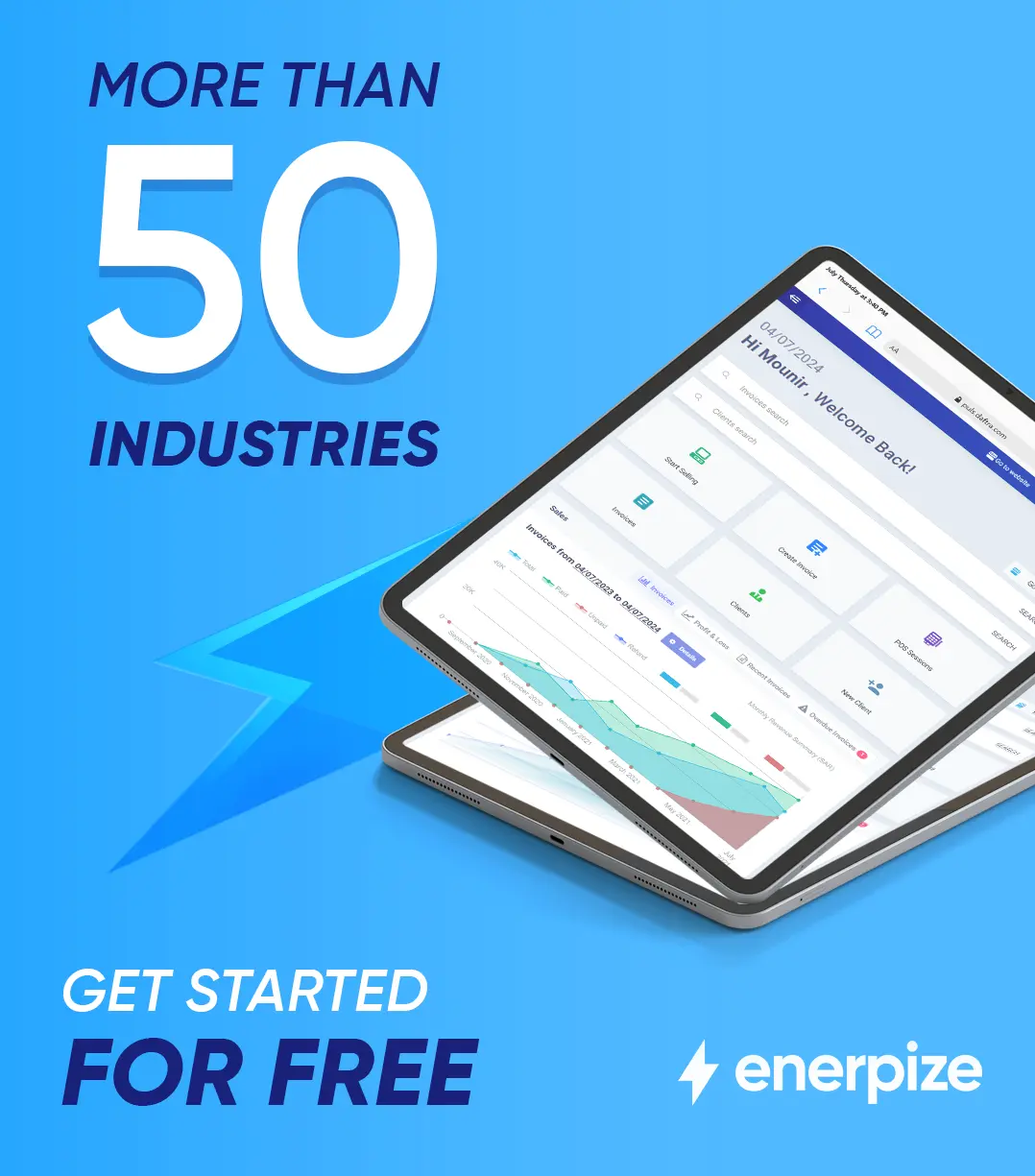
Try our ERP system with powerful modules.
Business management is easy with Enerpize.
Try our ERP system with powerful modules.