Author : Omar El Bahr
Reviewed By : Enerpize Team
ERP vs. Accounting Software: What's the Difference and Which Does Your Business Need?
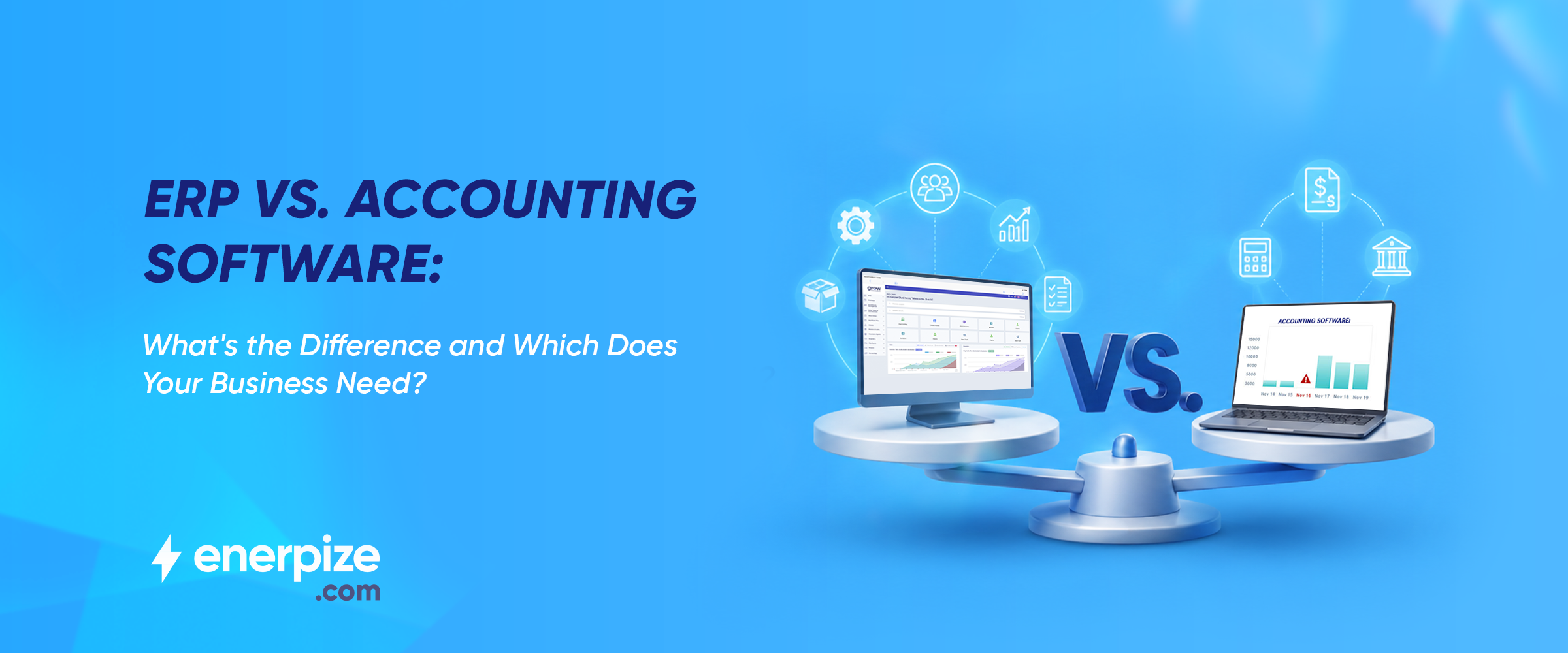
Table of contents:
- Key Takeaways
- What Is Accounting Software, Really?
- What Is ERP Software? (And Why the Name Sounds Scarier Than It Is)
- ERP vs. Accounting Software The Core Difference
- 5 Signs You've Outgrown Your Accounting Software
- When Accounting Software Is Actually Enough
- How Enerpize Bridges the Gap
- FAQs
- The Bottom Line
Key Takeaways
- Accounting software manages money in and money out. ERP manages your entire business.
- The difference isn't complexity — it's scope. ERP includes accounting, plus inventory, payroll, HR, sales, and more.
- Most small businesses start with accounting software and outgrow it. The signals are predictable.
- Modern cloud ERP is affordable, fast to implement, and built for growing SMBs — not just large enterprises.
- If you're stitching together three tools to do what one should, it's time to reconsider.
Picture this: It's month-end. Your accountant is exporting QuickBooks data into a spreadsheet. Your warehouse manager is updating stock levels in a separate file. Your HR coordinator is chasing leave records in a third system. Meanwhile, your payroll is due in 48 hours and nobody quite agrees on the numbers.
This isn't a people problem. This is a software problem — specifically, the problem of using accounting software to run a business that has grown beyond accounting software.
The question of ERP vs. accounting software is one of the most practically important decisions a growing business will face. Get it wrong and you'll spend years patching gaps with spreadsheets, bolt-on tools, and manual re-entry. Get it right and your entire operation runs from one place.
Here's how to get it right.
What Is Accounting Software, Really?
Accounting software does one thing well: it tracks money. Money coming in, money going out, what you're owed, and what you owe.
Quickbooks and Xero are built for financial accounting — invoicing, bank reconciliation, expense tracking, tax preparation, and generating financial statements. They are genuinely excellent at that narrow set of tasks.
Most businesses start here. It makes sense. When you have a handful of clients and one person handling the books, accounting software is all you need. The problem isn't that it stops working. The problem is that your business grows, and accounting software doesn't grow with it.
The moment you need to coordinate inventory, manage a payroll run, track employee attendance, or see how a slow month in sales is affecting your current liabilities in real time, accounting software hits a wall.
According to Gartner, over 46% of businesses are still relying on non-specialized tools or manual workarounds to fill gaps their current software can't cover. For most of them, accounting software was never the problem — the category mismatch was. That mismatch has a name: it's the ERP vs accounting software decision that most businesses only face once — and usually make without enough information.
What Is ERP Software? (And Why the Name Sounds Scarier Than It Is)
ERP stands for Enterprise Resource Planning. Yes, that sounds like something that lives in a server room the size of a football field and requires six months and a team of consultants to set up. That was once true. It is no longer.
Today, ERP software is cloud-based, modular, and built for businesses of all sizes — including yours. Think of it as accounting software plus everything else your business needs to run: inventory management, payroll and HR, purchasing, sales, point of sale, and more — all connected to one shared database.
The critical difference from a data perspective: in ERP, nothing lives in a silo. When your sales team closes a deal, inventory updates automatically. When a purchase order is received, your accounts payable updates in real time. Every department works from the same numbers.
The market reflects the shift. Small and medium businesses are now the fastest-growing segment of ERP adoption, with a compound annual growth rate of 21% through 2030 according to Mordor Intelligence. ERP is no longer a large-enterprise luxury.
ERP vs. Accounting Software: The Core Difference
The simplest way to frame this: Accounting software manages your finances. ERP manages your business.
That distinction sounds simple. In practice, it reshapes how every department operates.
| Feature | Accounting Software | ERP Software |
| What it manages | Financial transactions only | Finance, inventory, payroll, HR, POS, sales, and more |
| Data silos | Yes — other tools don't talk to it | No — single source of truth across departments |
| User limit | Typically 1–25 users | Scales to any team size |
| Inventory tracking | Basic or add-on only | Real-time, multi-warehouse |
| Payroll & HR | Not included | Built-in module |
| Reporting | Financial reports only | Cross-department, real-time dashboards |
| Best for | Solo traders, micro-businesses, early-stage startups | Growing SMBs managing multiple operations |
What accounting software handles well
- Invoicing and accounts receivable
- Accounts payable and vendor payments
- Bank reconciliation
- Tax reporting and tax liabilities tracking
Basic financial statements and profit & loss reports
What ERP handles that accounting software can't- Real-time inventory tracking across multiple warehouses
- Purchase order management from request to receipt
- Sales pipeline and customer relationship management
- Point of sale integrated directly with inventory and accounting
- Payroll and HR in one place — attendance, leave, salary calculations, all connected
Cross-department dashboards with real-time data — no exports, no manual reconciliation
In a well-implemented ERP system, the question "what's our actual cash position right now?" takes seconds to answer. In an accounting-software-plus-spreadsheets setup, it takes a meeting.
5 Signs You've Outgrown Your Accounting Software
There's no universal revenue threshold or headcount number that triggers the switch. The signal is operational complexity, not company size. Here's what it looks like in practice.
1. Your team lives in spreadsheets between software sessions
If your accountant exports to Excel to build a report that actually makes sense, or your operations team keeps a "side ledger" because the main system can't handle their workflow — that's not a workaround. That's a red flag.
The software is working for you, not the other way around.
2. You're re-entering the same data in multiple places
A sale gets logged in your CRM. Then manually entered into your accounting tool. Then someone updates inventory separately. Every time data crosses a system boundary by human hand, there's a risk of error. ERP eliminates that boundary entirely.
3. Month-end close takes days — and still produces arguments
When each department reconciles its own figures separately, someone always has different numbers. The further the data lives from your current liabilities and cash flow visibility, the longer month-end takes — and the less confident you are in the result.
4. Inventory and finances don't talk to each other
You've sold out of a product that accounting still shows as stock. Or you've ordered more than you needed because purchasing and stock management live in different tools. Real-time inventory integration is one of the top reasons businesses cited for making the switch to ERP, according to a survey of 89% of ERP buyers who listed it as a core requirement.
5. You're managing your whole business through three or more disconnected tools
One for accounting. One for inventory. One for payroll. Maybe a separate HR system. When your business management software is actually four pieces of software that don't communicate, you're not running an integrated business — you're running a patchwork. And patchworks break.
When Accounting Software Is Actually Enough
This deserves an honest answer. The ERP vs accounting software question isn't one-size-fits-all — and anyone who tells you ERP is always the right move is selling something.
If you are a solo trader, a freelancer, or a service business with fewer than five people and no inventory to track — accounting software is genuinely the right tool.
The switch to ERP makes sense when your operations have layered complexity that accounting software was never designed to handle. If the only bottleneck you're hitting is on the financial accounting side — more invoices, more transactions, more clients — upgrading your accounting software tier is probably enough.
The trigger for ERP is always operations, not volume.
How Enerpize Bridges the Gap
Enerpize is an all-in-one business software platform built specifically for growing SMBs. Rather than forcing businesses to choose between affordable-but-limited accounting software and expensive enterprise ERP, Enerpize combines both — starting at $9.99/month.
The platform covers seven core modules: Sales, Accounting, Inventory, Payroll and HR, Finance, Purchases, and more — all built on a single shared database. When your sales team closes a deal, your inventory updates. When your HR team processes attendance, payroll is calculated automatically. No exports, no re-entry, no reconciliation arguments.
It also includes ERP with POS built-in — so if you run a retail location or manage physical transactions, your point of sale connects directly to your stock levels and your books. No integration required.
For businesses evaluating the switch, Enerpize offers a free ERP trial with no credit card required — so you can run your actual business in it before committing.
FAQs
What is the main difference between ERP and accounting software?
Accounting software manages a company's financial transactions — invoicing, bookkeeping, tax preparation, and financial statements. ERP software does all of that plus manages operations across the entire business: inventory, payroll, HR, purchasing, sales, and more. The core difference in ERP vs. accounting software is scope. Accounting software handles money; ERP handles the whole business.
Is QuickBooks an ERP system?
No. QuickBooks is accounting software. It is excellent at financial management for small businesses but does not include operational modules like inventory management, payroll processing, HR, or purchasing. When businesses outgrow QuickBooks, they typically move to a cloud ERP platform that includes accounting as one of several integrated modules.
Can small businesses use ERP software?
Yes. Modern cloud ERP platforms are specifically designed for small and medium businesses. SMBs are now the fastest-growing segment for ERP adoption globally. Cloud-based ERP systems are affordable (some start under $15/month), quick to implement (typically 3–9 months for SMBs), and modular — meaning you only pay for the capabilities you actually use.
Does ERP replace accounting software?
Yes — ERP includes accounting as a built-in module, so there's no need to run separate accounting software alongside it. The ERP accounting module handles everything your standalone accounting software did: invoicing, bank reconciliation, financial reporting, and tax management. The difference is that this financial data connects in real time to every other part of your business.
What features does ERP have that accounting software doesn't?
ERP adds inventory management, payroll and HR, purchase order management, sales and CRM, point of sale, multi-warehouse tracking, and cross-department reporting. All of these connect to the same database as your financial accounting data — giving you a single source of truth across every function in your business.
The Bottom Line
The ERP vs accounting software debate tends to feel abstract until you're the one exporting spreadsheets at 11pm on a Tuesday. Go back to that month-end scene from the beginning — the accountant with the spreadsheet, the warehouse manager in a separate file, the payroll deadline looming. That's not how your business needs to run.
Accounting software got you here. Whether it's the right tool to take you further depends entirely on how many operational layers you've added since you set it up.
If the answer is more than a couple, it's worth looking at what an integrated platform actually does for your team. Try Enerpize free — no credit card, no commitment, no consultant required.
About the Author
Omar El Bahr is a Senior Digital Growth Specialist at Enerpize, where he leads SEO, content strategy, and organic growth across international markets. He is a Forbes Communications Council contributor and has written for Entrepreneur on business communication and digital strategy.