


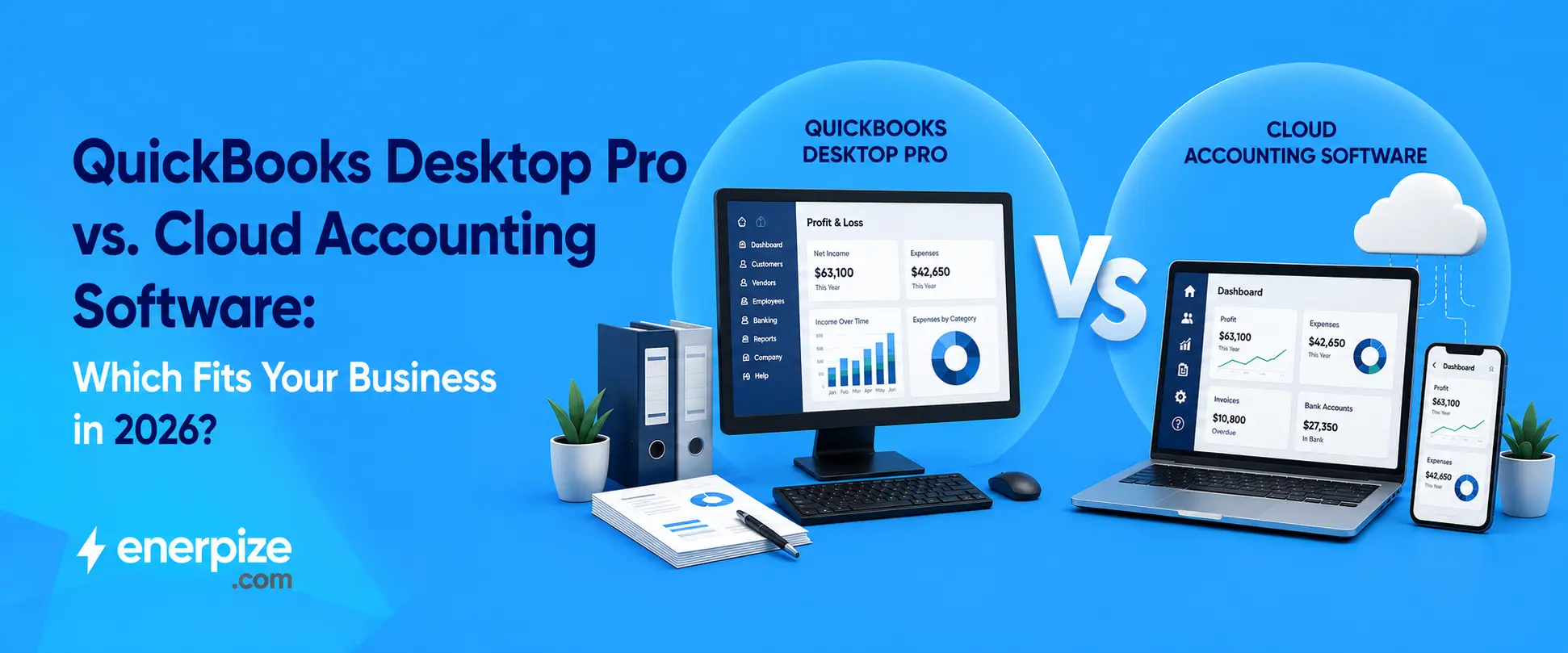
QuickBooks Desktop Pro vs. Cloud Accounting Software: Which Fits Your Business in 2026?


Key Takeaways
- QuickBooks Desktop Pro is not fully discontinued, but Intuit stopped selling new subscriptions to US customers back in September 2024, and there will never be a Desktop 2025, 2026, or 2027 version.
- Support for Desktop 2023 ended just weeks ago, on May 31, 2026. If you are still running it, your payroll tax tables are already frozen.
- Desktop 2024, the last version that will ever exist, stays supported until September 30, 2027. After that, every non Enterprise Desktop user is on unsupported software.
- Retailers like Walmart and third party directories still list Desktop Pro for sale, which is not a contradiction, it is leftover inventory and outdated listings, not a sign Intuit changed course.
- Enerpize offers accounting, chart of accounts, expenses, assets, and cost centers as one connected cloud platform, with none of the version freeze risk Desktop Pro carries.
If you have been searching for whether Quickbooks desktop pro is still something you can buy, the honest answer is more complicated than a yes or no, and most articles either oversimplify it or bury you in dates without explaining what actually matters.
Here is the short version before the details. Intuit stopped selling new Desktop Pro subscriptions to US customers in September 2024. There will never be another annual version released. And the support clock on whatever version you currently run is already ticking, whether you knew that or not.
This guide walks through the real timeline, what actually breaks when support ends, how Desktop Pro compares honestly to QuickBooks Online, and when moving to genuine accounting software for small business built for the cloud actually solves a problem worth solving.
Stop wondering if your version of QuickBooks is about to lose support. See what cloud accounting without a version number looks like. Start for Free
What Actually Happened to QuickBooks Desktop Pro (the Real Timeline)
A lot of the confusion around this comes from people blurring two different announcements into one event, and they are not the same thing.
September 2024, No New Sales
Intuit stopped selling new subscriptions of Quickbooks desktop pro, along with Premier Plus, Mac Plus, and Enhanced Payroll, to US customers after September 30, 2024. If you already had a subscription before that date, you can keep renewing it. This change only affects new purchases, it is not a discontinuation of the product line itself, and Enterprise was never part of this change at all.
The Rolling Support Sunset, 2022, 2023, and What's Next
Separate from the sales freeze, Intuit runs each Desktop version through a rolling three year support window. Desktop 2022 lost support on May 31, 2025. Desktop 2023 lost support on May 31, 2026, which happened just weeks ago as of this writing. Desktop 2024, the final annual version Intuit will ever release, stays supported until September 30, 2027. There will be no Desktop 2025, no Desktop 2026, no future annual release at all outside of Enterprise. Instead, Intuit issues periodic updates to the 2024 release itself, labeled things like R9, R10, and R11, rather than a genuinely new version.
Why Walmart Still Sells It and Why That's Not Actually a Contradiction
If you have seen Quick books Desktop Pro still listed for sale on Walmart or a third party software directory, that is not evidence Intuit reversed course. It is leftover retail inventory and directories that have not updated their listings, both common after a stop sell announcement like this one. The software in that box still installs and runs, the actual question is whether it can still connect to the services that keep it useful, which is a separate issue entirely from whether a store happens to still have it on a shelf.
What Breaks When Support Ends (and What Doesn't)
Here is the part that actually matters practically, since the software does not stop opening the day support ends.
What breaks: payroll tax table updates freeze, meaning your withholding calculations are running on math that stopped updating. Bank feeds disconnect. Desktop Payments, if you used it to process customer payments, shuts off. Security patches stop entirely. Live technical support from Intuit ends, so a corrupted company file becomes your problem alone to solve.
What does not break: the software still opens. You can still enter transactions manually and run reports. This is exactly the trap several sources flagged, everything looks normal on the surface, so businesses keep going, and the books quietly drift further from accurate the longer frozen tax tables and dead bank feeds sit unaddressed. Any genuine bookkeeping software for small business relies on needs live tax tables and working bank connections, not a frozen snapshot from whenever support technically ended.
See accounting software that never has a support end date to plan around. Start for Free
QuickBooks Desktop Pro vs QuickBooks Online: The Real Differences
This comparison gets oversimplified constantly, usually into "desktop is old, online is new," which misses what actually differs.
Quickbooks online runs entirely in the browser, with no local company file and no version year to fall out of support with, since updates happen continuously rather than on an annual release cycle. Desktop Pro, even the current 2024 version, remains fundamentally a Windows application with a company file stored locally, enhanced with cloud connected features like remote access and bank feeds layered on top, not a genuinely cloud native product built from scratch that way.
The tradeoff is not simply better or worse. Desktop Pro users frequently cite deeper inventory features, job costing, and a familiar interface built specifically around core accounting terminology as reasons they have not moved. Quickbooks online users generally cite easier remote access and not having to think about version support at all as the tradeoff worth making. Neither answer is wrong, it depends entirely on which specific features your business actually uses daily.
When Staying on Desktop 2024 Actually Makes Sense
If you are currently on Desktop 2024 specifically, you have genuine runway until September 2027, and there is nothing irrational about using that time deliberately rather than migrating immediately out of anxiety. If your workflows depend on features Desktop still does better, certain job costing or advanced inventory scenarios, and you are not relying on Desktop Payments or live technical support heavily, riding out the current version while you plan a genuine migration is a reasonable, considered choice, not a mistake.
When Cloud Accounting Software Actually Solves a Real Problem
The honest trigger is not "everyone is moving to the cloud." It is more specific than that. If you need more than one person accessing the books from different locations, if you are tired of a support countdown clock attached to a version number, or if a corrupted local company file with no live support to call sounds like a real risk rather than a hypothetical one, that is when accounting software for small business built natively for the cloud actually addresses something Desktop Pro structurally cannot fix, not because of a missing feature, but because of how it is built.
How Enerpize Compares as Cloud Accounting Software
Tax and Journal Automation That Doesn't Freeze on a Fixed Version
Enerpize's accounting software supports multiple automatic tax settings with custom rates and codes, and generates income statements and net profit reports by selecting income sources and a date range. This is the direct answer to Desktop Pro's core structural problem, once support ends on a fixed version, tax tables freeze permanently. Cloud accounting that updates continuously never hits that wall, there is no version to fall out of in the first place.
A Chart of Accounts That Doesn't Depend on a Local Company File
Enerpize's chart of accounts is automated and fully customizable, with main and sub accounts syncing directly into the general ledger. This matters directly against the real risk Desktop Pro carries, since Desktop data lives in a local company file on one machine, exactly the setup where a corrupted file with no live support to call becomes a genuine crisis rather than an inconvenience.
Expense Tracking That Doesn't Rely on Desktop Payments Staying Connected
Enerpize's expense management tools use AI powered receipt scanning that extracts amount, date, vendor, and tax details automatically, with a full audit trail. Desktop Payments is specifically one of the connected services confirmed to shut off once a Desktop version's support ends. Expense and payment tracking built natively in the cloud never has that dependency to lose in the first place.
Fixed Asset Management With GAAP-Compliant Depreciation
Enerpize's asset management module tracks assets from purchase through disposal, using GAAP compliant depreciation methods including straight line, declining balance, and units of production. This matters specifically for anyone actually migrating off Desktop Pro, since asset and depreciation history is exactly the kind of record a rushed migration risks getting wrong or losing entirely.
Cost Centers for Visibility Desktop Pro Was Never Built to Give
Enerpize's cost center tools assign income, expenses, and journal entries to specific departments, branches, or projects automatically. This addresses a genuine, frequently cited limitation, Desktop Pro reporting is commonly described by users as basic and hard to customize across departments, often requiring an export to Excel just to see profitability broken down by project or location.
Run your accounting, assets, and cost centers from one connected platform, no version year to track. Start for Free
FAQs
Is QuickBooks Desktop Pro still available to buy?
Only for existing subscribers renewing their plan. Intuit stopped selling new Desktop Pro Plus subscriptions to US customers after September 30, 2024. Retail listings or third party sites still showing it for sale reflect leftover inventory or outdated listings, not a change in Intuit's policy.
What happens when QuickBooks Desktop support ends?
Payroll tax table updates freeze, bank feeds disconnect, Desktop Payments shuts off, security patches stop, and live technical support ends. The software itself still opens and lets you enter transactions and run reports manually, which is why the change is easy to miss at first.
Is QuickBooks Online better than QuickBooks Desktop Pro?
Neither is universally better. Quickbooks online runs natively in the browser with continuous updates and no version year to lose support, while Desktop Pro offers deeper inventory and job costing features some businesses still prefer. The right choice depends on which specific features your business actually relies on day to day.
Should I upgrade to Desktop 2024 or move to cloud accounting?
If you are already on Desktop 2024, you have genuine time until September 2027 to plan deliberately rather than migrate under pressure. Cloud accounting becomes the clearly better choice once multiple people need remote access, or once relying on a version specific support countdown feels like a real risk rather than a hypothetical one.
What does accounting software for small business cost in 2026?
Enerpize's plans start from $9.99 a month, with accounting, chart of accounts, expenses, assets, and cost centers included rather than sold as separate add ons. A 14 day free trial with no credit card required lets a business test the actual workflow before committing to anything.
About the Author
Omar El Bahr is a Senior Digital Growth Specialist at Enerpize, where he leads SEO, content strategy, and organic growth across international markets. He is a Forbes Communications Council contributor and has written for Entrepreneur on business communication and digital strategy.
Disclaimer: This article reflects QuickBooks Desktop Pro's sunset timeline and support dates accurate at the time of writing, sourced from Intuit and independent verification. Product timelines and support dates are subject to change. Confirm current details directly with Intuit before making a purchasing or migration decision.
Related Articles
 Accounting
What Is A Profit And Loss Statement In Business: A Complete Guide
Read more Accounting
Best Accounting Software for IFRS 18: Stay Compliant Before the 2027 Deadline
Read more Accounting
Accounting Errors: 13 Types, Examples & How to Avoid Them
Read more Accounting
Calculating Retained Earnings on A Balance Sheet: Formula and Examples
Read more Accounting
E-Invoicing UAE: The 2027 Deadlines, ASP Rules and What SMEs Must Do Now
Read more Accounting



