Author : Haya Assem
5 Best Odoo Alternatives
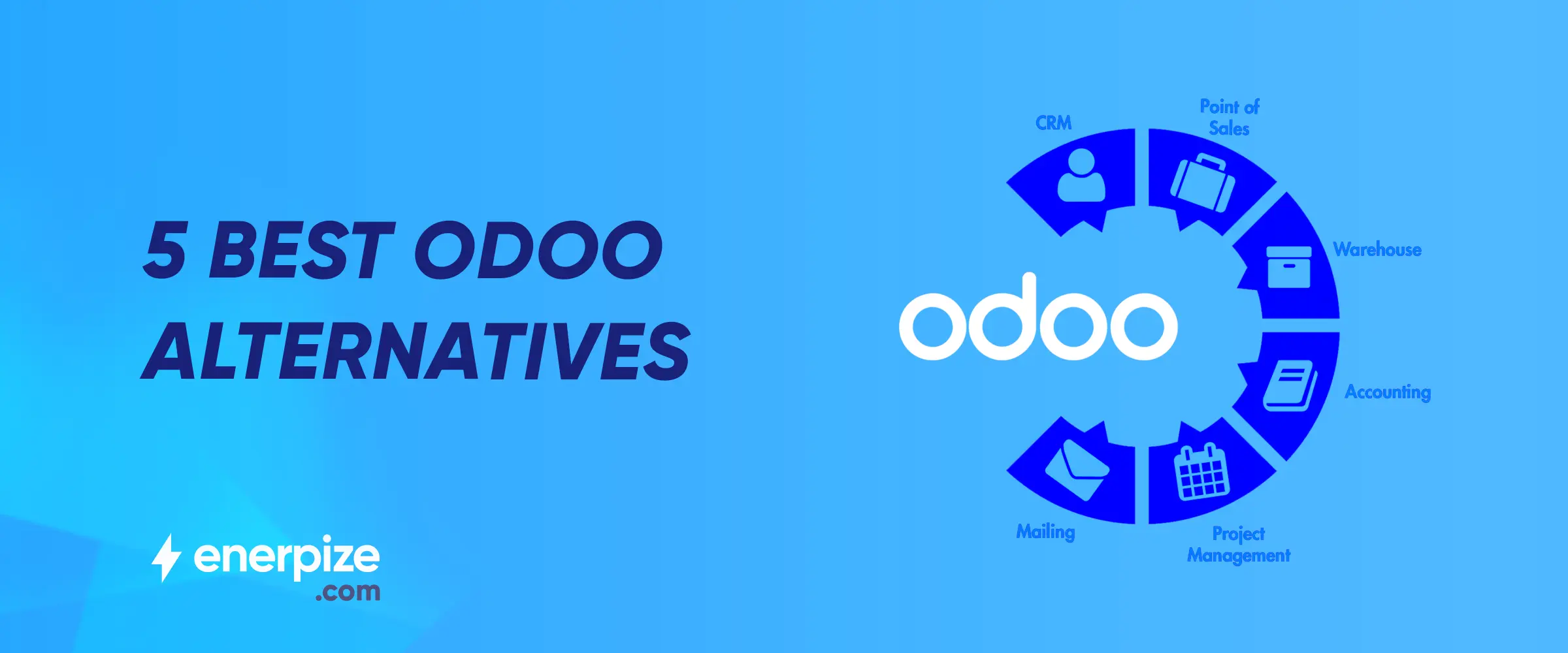
Table of contents:
Choosing the right ERP platform is a critical decision that directly impacts operational efficiency, scalability, and long-term costs. While Odoo is a popular and flexible ERP solution, it may not be the perfect fit for every business due to factors such as pricing structure, implementation complexity, customization requirements, or specific industry needs.
In this article, we explore the 5 best Odoo alternatives, comparing their strengths, ideal use cases, and key differences to help you identify the solution that aligns best with your business goals.
Odoo
Odoo is a modular ERP platform with an extensive library of apps covering accounting, CRM, HR, inventory, manufacturing, and e-commerce. Its open-source flexibility allows businesses to enable only the modules they need, but full functionality often requires configuration, multiple apps, or third-party integrations.
Software Features
- Sales: Lead management, quotations, sales orders, and invoicing with CRM integration to track opportunities and customer interactions.
- Accounting & Finance: General ledger, accounts receivable and payable, bank reconciliation, expense tracking, and multi-currency support through the accounting module.
- Inventory: Inventory tracking, multi-warehouse management, barcode scanning, stock replenishment rules, and purchase order management.
- HRM: Employee records, recruitment, attendance tracking, leave management, and payroll features available through HR apps.
- Operations: Manufacturing management (MRP), project management, purchase management, and workflow automation, depending on enabled modules.
- CRM: Customer relationship management with lead tracking, pipeline management, communication history, and activity scheduling.
- Analytics & Reporting: Dashboards, financial reports, and customizable analytics across installed modules for monitoring business performance.
Pros
- Highly flexible modular system
- Open-source Community edition available
- Extensive third-party marketplace
- Strong manufacturing and operational modules
Cons
- Requires configuration and setup effort
- Costs can increase with multiple apps and implementation partners
- Full ERP experience depends on module selection and integration
Best For
- Businesses seeking modular flexibility
- Companies that want open-source customization
- Organizations ready to manage configuration or hire an implementation partner
Read Also: 5 Best Accounting Software for Your Business
While Odoo is powerful and highly flexible, it may not be ideal for every business. Its modular structure often requires activating multiple apps, configuring workflows, and sometimes relying on third-party integrations to achieve full functionality, which can increase implementation time and overall cost. Businesses without technical resources may find customization and ongoing maintenance challenging, especially when scaling or adapting complex processes. Below are five alternative ERP solutions, each offering a different operating model, pricing structure, and level of complexity to suit various business needs.
1. Enerpize
Enerpize is a cloud-based ERP designed for small and mid-sized businesses that need a comprehensive, all-in-one solution. It integrates accounting, inventory, CRM, HR, and operational workflows in a single platform, allowing businesses to manage daily operations without relying on multiple disconnected tools. Its prebuilt workflows make setup faster, enabling teams to start using the system with minimal configuration.

Software Features
- Sales: Streamlined billing, invoicing, POS, quotes, and lead tracking for faster deal closures.
- Accounting & Finance: Chart of accounts, expense tracking, asset management, cost centers, bank reconciliation, and multi-currency support.
- Inventory: Multi-location tracking, stocktaking, real-time stock alerts, and purchase order management.
- HRM: Employee records, attendance, leave management, and payroll.
- Operations: Booking, leasing, manufacturing, approval workflows, and automated notifications.
- CRM: Client follow-ups, membership management, and complete interaction history.
- Analytics & Reporting: Real-time dashboards, customizable reports, and trend analysis.
Pros
- Fully integrated ERP platform combining accounting, CRM, inventory, HR, and operations in one system
- Ready-to-use workflows that minimize configuration and reduce implementation time
- Cloud-based architecture that simplifies deployment and maintenance
- Designed specifically for small and mid-sized businesses, making it easier to adopt and manage
- Offers real-time reporting and dashboards across financial and operational data
Cons
- Limited open-source customization compared to developer-focused ERP solutions
- Some highly niche industry features may require workflow adjustments or integrations
Best For
- SMEs looking for an all-in-one ERP
- Businesses that want a fast setup with ready-to-use workflows
Explore more alternatives: Enerpize VS ERP Software: Transparent Comparison
2. ERPNext
ERPNext is an open-source ERP platform that provides a wide range of modules covering accounting, HR, inventory, CRM, and manufacturing. It’s highly customizable, making it suitable for businesses that want full control over workflows and processes. ERPNext can be self-hosted for a lower cost or used as a cloud service, providing flexibility depending on technical resources and budget.
Software Feature
- Sales: Manages leads, quotations, orders, and invoicing with full CRM integration.
- Accounting & Finance: Comprehensive financial operations, multi-currency, cost centers, and bank reconciliation.
- Inventory: Stock management, multi-warehouse tracking, batch/serial numbers, and purchase management.
- HRM: Employee records, payroll, attendance, leave, and recruitment management.
- Operations: Manufacturing, projects, service management, and workflow automation.
- CRM: Customer communication tracking, pipeline management, and follow-ups.
- Analytics & Reporting: Customizable reports, dashboards, and real-time insights across all modules.
Pros
- Open-source and highly customizable
- Comprehensive modules: accounting, HR, inventory, CRM, and manufacturing
- Can be self-hosted, allowing businesses to reduce licensing costs
- Active developer community contributing modules and improvements
Cons
- Technical expertise is usually required for setup, customization, and maintenance
- Cloud hosting, support, or managed services can increase overall operational costs
- User interface and workflows may require training for non-technical teams
Best For
- Companies with in-house IT or developers
- Businesses seeking flexible, open-source ERP solutions
Check also: Enerpize vs ERPNext: Best ERPNext Alternative for Growing Businesses
3. NetSuite ERP
NetSuite ERP is a cloud-based enterprise solution widely used by growing mid-market companies. It offers advanced financial management, operational workflows, and reporting capabilities, making it suitable for businesses that require scalability and detailed analytics. NetSuite also supports multi-subsidiary and multi-currency operations, helping organizations manage complex global operations.
Software Features
- Sales: Quote-to-cash automation, order management, and CRM for enterprise clients.
- Accounting & Finance: Advanced financial management, multi-subsidiary accounting, multi-currency support, and compliance reporting.
- Inventory: Global inventory management, multi-location tracking, demand planning, and procurement.
- HRM: Workforce management, payroll, talent management, and employee self-service.
- Operations: Project management, production planning, supply chain management, and workflow automation.
- CRM: Customer relationship management, pipeline tracking, and customer analytics.
- Analytics & Reporting: Real-time dashboards, KPIs, advanced reporting, and financial analytics.
Pros
- Cloud-based ERP with strong financial and operational management
- Advanced reporting, analytics, and multi-subsidiary support
- Highly scalable for growing businesses
- Supports multi-subsidiary, multi-currency, and global compliance requirements
Cons
- Significantly higher cost compared to SME-focused ERP platforms
- Implementation can be long and resource-intensive
- System complexity may require dedicated administrators or consultants
Best For
- Mid-market companies needing enterprise-level capabilities
- Organizations with complex global operations
4. Microsoft Dynamics 365
Microsoft Dynamics 365 combines ERP and CRM functionalities in a single platform. It offers robust analytics, AI-driven insights, and automation features for business processes. Its deep integration with Microsoft tools like Office 365 and Teams makes it particularly attractive for organizations already invested in the Microsoft ecosystem.
Software Features
- Sales: Lead and opportunity management, quotes, orders, and integrated CRM capabilities.
- Accounting & Finance: General ledger, accounts payable /receivable, multi-currency, budgeting, and reporting.
- Inventory: Warehouse management, stock tracking, and supply chain integration.
- HRM: Employee records, performance tracking, payroll integration, and workforce analytics.
- Operations: Manufacturing, project management, service automation, and workflow configuration.
- CRM: Customer engagement, communication history, and pipeline management.
- Analytics & Reporting: AI-driven insights, business intelligence dashboards, and financial reporting.
Pros
- Unified CRM and ERP platform with robust analytics
- Highly scalable and integrates well with the Microsoft ecosystem
- Strong automation and AI features for business processes
Cons
- Configuration and customization can be complex for smaller teams
- Licensing costs may increase significantly as more modules and users are added
- Implementation often requires experienced partners or consultants
Best For
- Larger organizations or companies invested in Microsoft tools
- Businesses needing integrated CRM and ERP solutions
5. SAP Business One
SAP Business One is a reliable ERP solution designed for small and mid-sized businesses. It provides deep functionality for financials, inventory, distribution, and industry-specific processes. With a strong reputation for stability and support, SAP Business One helps businesses standardize operations while preparing for future growth.
Software Features
- Sales: Quote-to-order processing, invoicing, and customer management.
- Accounting & Finance: Full financial management, multi-currency, cost centers, and compliance reporting.
- Inventory: Stock control, warehouse management, procurement, and real-time stock visibility.
- HRM: Employee records, attendance, payroll, and leave management.
- Operations: Manufacturing, project tracking, service management, and workflow automation.
- CRM: Customer interaction history, follow-ups, and pipeline management.
- Analytics & Reporting: Prebuilt and customizable dashboards, KPI monitoring, and business intelligence reports.
Pros
- Robust ERP platform designed specifically for small and mid-sized businesses
- Strong financial management and inventory control capabilities
- Reliable and widely trusted enterprise-grade system backed by SAP
- Offers industry-specific add-ons and partner solutions
Cons
- Implementation and setup costs can be high, depending on customization needs
- Requires training and onboarding for teams unfamiliar with ERP systems
- Less flexible for rapid customization compared to open-source ERP platforms
Best For
- Small to mid-sized companies looking for enterprise-grade ERP
- Businesses that prioritize reliability and industry-specific support