


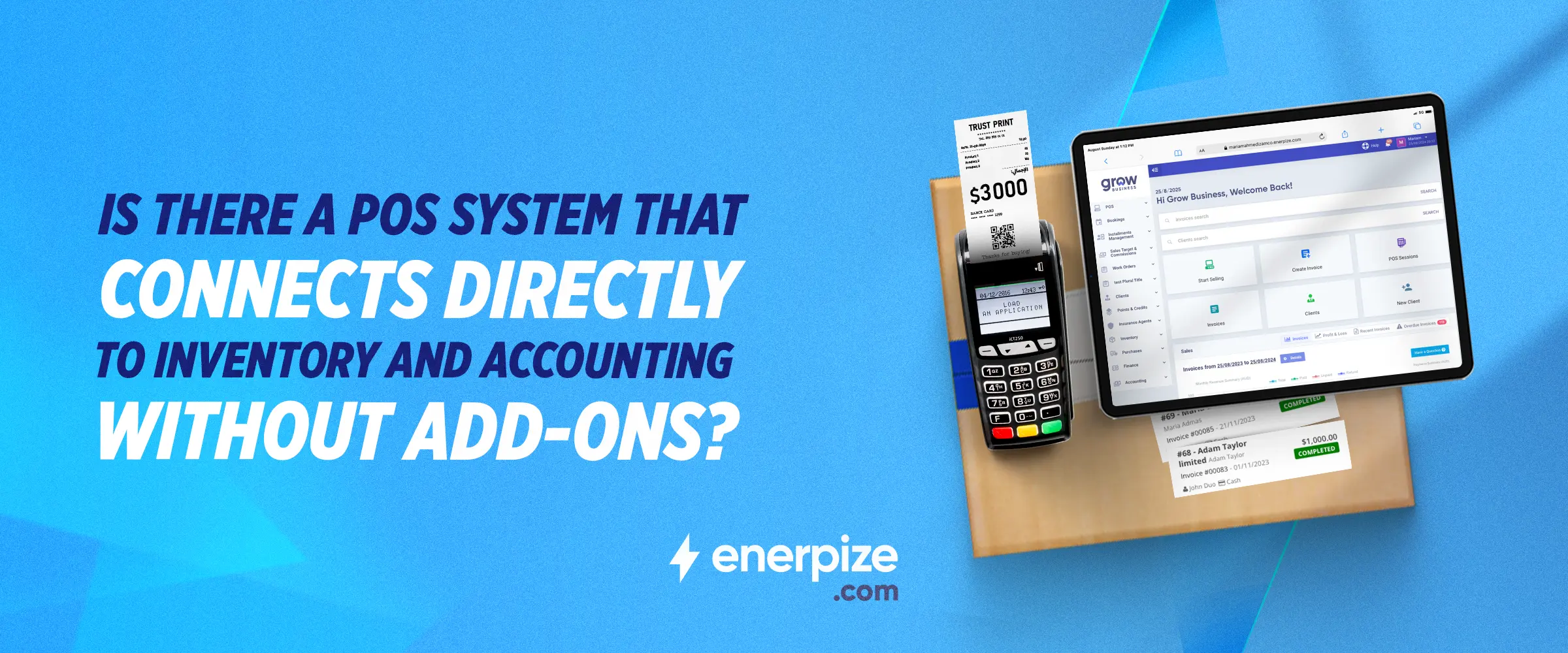
Is There a POS System That Connects Directly to Inventory and Accounting Without Add-Ons?


Key Takeaways
- Most POS systems were built for the point of sale first. Inventory and accounting were added later through connectors and third-party integrations, which means sync delays, reconciliation gaps, and a single point of failure that breaks when either vendor pushes an update.
- Genuine POS and accounting integration means one transaction updates stock, posts to the general ledger, and syncs across locations simultaneously, not on a schedule and not through a middleware layer.
- Lightspeed handles accounting through third-party connections to Xero or QuickBooks. Square does the same. Odoo requires the Enterprise tier for full native integration. NetSuite has no native POS and requires Shopify or SuiteCommerce as a separate platform.
- Enerpize POS connects directly to inventory and accounting without third-party add-ons. Every sale deducts stock in real time, posts the journal entry to the chart of accounts automatically, and updates the customer record, all in the same transaction.
- The integration extends across the full supply chain: supplier invoice processed in purchase management, stock added to inventory, sold at POS, revenue posted to accounting, P&L updated, with no manual step at any point.
- Enerpize POS works online and offline, supports any hardware including barcode readers, scales, cash registers, printers, and mobile devices, and covers multi-store operations, loyalty programs, shift management, and cost center tracking, all natively in every plan from $9.99 per month.
Walk into most small retail businesses and you will find the same thing: a POS system at the counter, a separate inventory tool in the back office, an accounting platform the bookkeeper logs into once a week, and a spreadsheet somebody made to bridge the gaps between all three. Every sale at the register has to be manually reconciled against stock levels. Every day's takings have to be exported and imported somewhere else before they become a financial record. When stock runs low, nobody finds out until a customer has already asked for something that is not there.
The question most business owners ask at some point is whether there is a POS system with inventory and accounting integration that actually works natively, without a connector tool, a monthly middleware subscription, or a developer who charges by the hour to maintain the pipeline.
The answer is yes. But the honest answer also requires understanding what genuine integration means, what it does not mean, and how the most commonly recommended POS platforms actually handle it in practice.
Enerpize POS connects directly to inventory and accounting without third-party add-ons. Every sale updates stock, posts to the general ledger, and syncs across locations automatically. Start for free.
Why Most POS Systems Still Need Add-Ons to Talk to Inventory and Accounting
The Integration Gap That Costs Retailers More Than They Realize
Most POS systems were built to do one thing well: process a sale. Inventory management and accounting were afterthoughts, added later through partnerships, marketplace apps, or third-party connectors. The result is a category of software that looks integrated on a pricing page but behaves as three separate systems once it is live in a business.
The cost of that gap is not just the monthly subscription fee for the connector. It is the staff time spent on manual reconciliation, the errors that slip through when data does not sync on time, the stockouts that happen because the inventory system was showing yesterday's count, and the accountant's extra hours at month-end untangling discrepancies between what the POS recorded and what the books show.
For a retail business processing dozens of transactions a day, those costs accumulate faster than the connector's price tag suggests.
What Happens When Your POS, Stock Levels, and Books Run on Separate Systems
The practical consequences are predictable. A customer buys the last unit of a product. The POS records the sale. The inventory system, which syncs every four hours, still shows one unit in stock. A staff member in the warehouse, looking at the inventory system, confirms availability to another customer over the phone. The item ships. A complaint arrives.
On the accounting side, a sale that goes through at 11pm on a Tuesday does not appear in the accounting platform until the next morning's sync. If there is a connectivity issue, it does not appear until someone notices and manually triggers a re-sync. The books are always slightly behind reality, and the P&L report always carries a small asterisk of uncertainty.
These are not edge cases. They are the normal operating conditions of a POS system that depends on add-ons for inventory and accounting integration. A POS system with inventory and accounting integration that is genuinely native eliminates them by design.
What Direct Integration Actually Means — and What It Does Not
Real Integration: One Transaction Updates Everything Simultaneously
In a genuinely integrated system, a completed sale at the POS is a single event that triggers multiple simultaneous updates. The stock level decreases. The revenue is recorded. The journal entry posts to the chart of accounts. The customer record is updated. The shift report reflects the transaction. None of those updates happen via a scheduled sync, a webhook, or a connector that sits between two separate applications. They happen because the POS, inventory, and accounting modules share the same database and the same transaction record.
This is the architecture difference that matters. When modules share a database, there is no sync delay, no data format translation, no API rate limit, and no single point of failure in a third-party connector. The sale happens, and everything downstream of it updates instantly.
Fake Integration: A Connector That Syncs on a Delay and Breaks on an Update
The alternative, which describes most POS platforms on the market, is a connector-based approach. The POS records the sale in its own database. The connector reads the POS database on a schedule, transforms the data into a format the inventory or accounting platform accepts, and pushes it across. This works adequately when everything is functioning normally, no API changes, no connectivity issues, no rate limits hit during a busy trading period.
When something does break, and with connector-based integrations it eventually does, the business owner finds out by noticing a discrepancy. The stock count is wrong. The accounts do not match the POS reports. The connector has been silently failing for three days. Diagnosing and fixing it requires either technical knowledge or a support ticket to a third-party vendor who was not involved in the original POS setup.
This is what buyers mean when they describe searching for a POS system with inventory and accounting integration that works without add-ons. They are not asking for a feature. They are asking for a different architecture.
How the Most Commonly Recommended POS Platforms Handle Integration
Lightspeed: Solid POS, Accounting Handled Through Third-Party Connections
Lightspeed is a strong retail POS platform with robust inventory tracking and detailed reporting. Its weakness for businesses that need accounting integration is that Lightspeed handles accounting through third-party connections to Xero or QuickBooks rather than a native module. The integration works well under normal conditions, but it means the business is managing two vendor relationships, two support channels, and a sync dependency between them. For businesses where accounting is a core daily function rather than a monthly report, this gap is felt constantly.
Square: Good for Simple Retail, No Native Accounting Module
Square handles payment processing and basic inventory tracking well for straightforward retail setups. Its POS interface is clean and easy for staff to learn. The accounting integration relies on connecting Square to Xero or QuickBooks via third-party sync tools, which means the same connector dependency as Lightspeed applies. Square also limits inventory functionality at its free tier, and businesses with more than a basic product catalog typically need the paid plan plus a separate accounting connection. For a small business doing light volume with simple stock, Square is adequate. For a business that needs a genuine POS system with inventory and accounting integration in one system, it falls short.
Odoo: POS and Accounting in the Same Ecosystem, But Enterprise Tier Required for Full Integration
Odoo is a genuine all-in-one ERP platform with POS, inventory, and accounting in the same codebase. The integration between modules is real, not connector-based. The limitation is pricing. Full integration between the POS module and the accounting and inventory modules requires the Enterprise tier, which carries significantly higher pricing than the Community edition. The Community edition is open source and free but requires technical setup and ongoing maintenance. For a small business without in-house development resources, the practical path to Odoo's integrated POS is the Enterprise tier, at enterprise-level pricing.
NetSuite: Powerful ERP, No Native POS — Requires Shopify or SuiteCommerce
NetSuite is a comprehensive ERP platform with strong accounting, inventory, and financial reporting capabilities. It does not include a native retail POS. Businesses that need point-of-sale functionality with NetSuite typically connect it via Shopify or SuiteCommerce, which are separate platforms with their own subscriptions and their own integration layers. The result is a powerful back-office system connected to a front-of-house POS through yet another integration dependency. For businesses that need a cloud POS system with native integration across inventory, accounting, and CRM in one platform, NetSuite's architecture requires building that integration rather than using one that already exists.
Before we go further: Enerpize covers POS, inventory, accounting, and CRM natively in every plan from $9.99 per month. No Enterprise tier required. No connectors. Try for free.
What Enerpize POS Connects to Natively, Without a Single Add-On
Enerpize POS is a cloud POS system with native integration across inventory, accounting, and CRM in one platform. The integration is not connector-based. POS, inventory, accounting, expenses, purchase management, and customer records all run in the same system on the same database. When a sale goes through at the register, every module that needs to know about it knows about it immediately.
Inventory: Stock Deducted in Real Time at the Moment of Sale, Tracked by Serial Number, Lot, or Expiry Date
Every product sold through Enerpize POS deducts from inventory at the moment the transaction is completed, not on a schedule, not on the next sync. Stock levels are updated in real time across all locations. For businesses managing products with serial numbers, lot numbers, or expiry dates, Enerpize tracks each unit individually. A pharmacy selling batch-tracked medication, a retailer managing serialized electronics, or a food business tracking expiry dates can all use the same POS without a separate inventory system.
The inventory module also sets low-stock alerts at preset thresholds. When a product falls below the threshold, Enerpize sends a notification and can trigger a purchase order. The stock level the alert is based on is the same stock level the POS is reading. There is no version mismatch between what the register thinks is available and what the inventory management system actually has on the shelf.
Accounting: Every Sale Automatically Posted to the Chart of Accounts and General Ledger
Enerpize POS deducts inventory automatically at the point of sale and posts the journal entry to the accounting module in the same transaction. The sale does not wait for an overnight sync or a manual export. The moment the transaction is completed at the register, the revenue is recorded against the relevant account in the chart of accounts, and the entry appears in the general ledger.
Enerpize Accounting comes with a ready-made, fully automated, and customizable chart of accounts. Every POS transaction is mirrored into the corresponding ledger automatically, with no manual re-entry required. Businesses can go solo or use an accountant. Either way, the general ledger report at the end of the day reflects every sale that went through the register, every refund processed, and every payment method used, without anyone having to manually reconcile the POS against the books.
This is what genuine POS and accounting integration looks like at the architecture level. Not a nightly export. Not a connector pushing data between two vendors. One transaction, one record, reflected everywhere simultaneously.
Cost Centers: Profitability Tracked Per Branch or Department From POS Data
For businesses operating multiple locations or departments, Enerpize supports cost center assignment on every journal entry. A sale at Branch A posts to Branch A's cost center automatically. A sale at the online store posts to the ecommerce cost center. At the end of the month, the profit and loss report can be filtered by cost center, showing exactly which location or department is performing and which is not.
This is a capability that most standalone POS platforms cannot offer natively. Square and Lightspeed produce per-location sales reports, but those reports live in the POS system. The accounting platform has no knowledge of which branch generated which revenue unless someone manually allocates it. In Enerpize, the cost center assignment happens at the point of sale, automatically, and the accounting report reflects it without any manual work.
Purchase Management: From Supplier Invoice to Shelf to POS Sale to P&L in One System
The integration extends backward through the supply chain, not just forward into accounting. When a supplier invoice arrives, Enerpize's purchase management module processes it, including AI-powered extraction of supplier name, invoice number, date, items, quantities, prices, and taxes. The purchase is recorded, stock is added to the relevant warehouse, and the corresponding journal entry posts to the accounting module automatically.
That stock then becomes available in the POS. When it sells, the revenue posts to accounting. The cost of goods, captured when the purchase invoice was processed, is already in the system. The gross profit on that product is calculable without any manual work, because the purchase and the sale are both recorded in the same place.
This is the complete loop that most retail businesses are trying to achieve by stitching together multiple platforms: supplier invoice in, stock added, sold at POS, P&L updated. In Enerpize, that loop runs natively without a single external integration.
Expenses: Store Costs Reconciled Against POS Revenue in the Same Accounting View
Operating expenses, rent, utilities, staff costs, and other overheads are managed in Enerpize's expense module and posted to the same accounting system that records POS revenue. Expense entries are automatically reconciled against the chart of accounts. The P&L report shows revenue from POS sales on one side and operating expenses on the other, both drawing from the same data source.
For businesses where a significant portion of costs are incurred as petty cash purchases or field expenses, Enerpize's expense tracking app allows receipts to be scanned from any mobile device, with AI automatically extracting the amount, date, vendor, and tax details. Those expenses flow into the same accounting view as the POS revenue without any manual data entry.
Multi-Store: Sales, Shifts, and Stock Consolidated Across All Locations in Real Time
Enerpize POS tracks cloud-synced order and invoice history from multiple selling points, shift transactions, devices, and per salesperson or group of salespersons. A business with three retail locations sees all three locations' sales in a single dashboard. Stock levels across all three warehouses are visible from the same inventory view. A sale at Location A does not affect the stock count shown for Location B.
Warehouse permissions can be granted per employee and per location, so a warehouse manager at Location A sees only their location's inventory while a business owner or finance manager sees the consolidated view. The POS at each location operates independently, with shift management, cash sessions, and per-salesperson reporting all tracked locally, while the accounting and inventory data consolidates centrally.
Beyond the Sale — What Else Enerpize POS Does Natively
Offline Mode: Sales Continue Without Internet, Everything Syncs on Reconnection
Enerpize POS works online and offline and syncs automatically when connection is restored. For retail businesses in locations with unreliable internet, or for any business that cannot afford to stop trading when the connection drops, offline mode means the POS keeps working. Transactions are recorded locally and sync to the cloud, updating inventory, accounting, and customer records, when connectivity is restored. Nothing is lost. Nothing needs to be re-entered manually.
Any Hardware, Any Setup: Barcode Readers, Scales, Cash Registers, Printers, Handhelds, Mobile
Enerpize is compatible with any POS peripheral, including barcode readers, scales, cash registers, receipt printers, handheld devices, and mobile phones. The business is not locked into purchasing specific hardware from a specific vendor. Existing hardware can be used where it meets the technical requirements, and new hardware can be selected based on operational needs and budget rather than platform restrictions.
Products can be added to orders instantly using a barcode scanner, with stock availability displayed at the point of scanning. The POS shows retail price, in-store versus warehouse stock availability, applicable price lists, and maximum discount thresholds based on the logged-in employee's permissions.
Payments: Cash, Card, Check, Partial, and Split — Multiple Methods Per Transaction
Enerpize POS supports any combination of payment methods per transaction. A customer paying partly in cash and partly by card is handled in a single transaction without workarounds. Partial payments can be recorded and tracked against the customer account. Split payments across multiple methods are supported at the register without requiring a separate configuration or a workaround in the accounting module.
Payment method data flows into the accounting module with the transaction, so the daily cash reconciliation distinguishes between cash, card, and check receipts automatically. The treasury management function tracks cash in and cash out per register and per shift, with session open and close records maintained for audit purposes.
Customer Loyalty: Points and Rewards Tied Directly to Purchase History
Enerpize POS includes a native loyalty program tied directly to the customer directory. Points are earned based on purchase history and spend volume. Eligibility rules and applicability criteria are configurable per product or customer group. Because the loyalty program shares the same customer database as the CRM, purchase history used to calculate loyalty points is the same purchase history the sales team uses for follow-up. There is no separate loyalty platform to manage and no sync required to keep customer balances current.
Shift and Staff Management: Sales Performance Tracked Per Salesperson Without a Separate HR Tool
Shift management in Enerpize POS allows work orders to be assigned per salesperson, group, or work hours. Sales performance is tracked at the individual level, with per-salesperson reports showing total sales, transaction count, and average transaction value per shift. Permissions can be configured per employee, including which products they can discount and by how much, which payment methods they can accept, and which reports they can access.
For a retail business managing multiple staff across multiple shifts, this level of control is built into the POS without a separate HR or workforce management tool. The shift data also feeds into the payroll module if the business uses Enerpize for staff compensation, closing another loop that most businesses manage across separate platforms.
Pricing Comparison: What You Actually Pay for POS Plus Integration
| Platform | Starting Price | Native Accounting | Native Inventory | Add-On Required |
| Enerpize | From $9.99/month | Yes, native | Yes, unlimited SKUs, multi-warehouse | None |
| Lightspeed | From $89/month | Via Xero or QuickBooks | Yes, native | Accounting connector |
| Square | Free tier; paid from $60/month | Via Xero or QuickBooks | Basic only on free tier | Accounting connector |
| Odoo Enterprise | Custom pricing | Yes, native | Yes, native | None (Enterprise tier) |
| NetSuite + Shopify | From $36,000/year (NetSuite) | Yes, native | Yes, native | Shopify POS subscription |
FAQs
Is there a POS system that connects directly to inventory and accounting without add-ons?
Yes. Enerpize POS connects directly to inventory and accounting without third-party add-ons. The POS, inventory, and accounting modules share the same database. A completed sale deducts stock and posts the journal entry to the chart of accounts in the same transaction, with no sync delay and no connector required.
What is the best POS and ERP combo software for small business?
For small businesses that need POS, inventory, accounting, and CRM in one platform without enterprise pricing, Enerpize is a complete option. It covers point-of-sale, multi-warehouse inventory, automated accounting, purchase management, expense tracking, customer loyalty, shift management, and multi-location reporting in a single subscription starting at $9.99 per month.
Is there a cloud POS system that works offline?
Yes. Enerpize POS works online and offline and syncs automatically when connection is restored. Transactions processed during an offline period are recorded locally and sync to the cloud on reconnection, updating inventory levels, accounting records, and customer data without any manual re-entry.
How does Enerpize POS connect to accounting?
Enerpize POS deducts inventory automatically at the point of sale and posts the journal entry to accounting in the same transaction. Every sale is mirrored into the chart of accounts and general ledger automatically. There is no manual export, no scheduled sync, and no connector between the POS and the accounting module. Both run in the same system.
What POS software deducts inventory automatically at the point of sale?
Enerpize deducts inventory automatically at the point of sale. Stock levels update in real time the moment a transaction is completed, across all warehouse locations. Tracking is supported by serial number, lot number, and expiry date. Low-stock alerts trigger at preset thresholds. All of this is native to the platform, with no separate inventory tool required.
Can one system handle POS, inventory, and accounting for a retail business?
Yes. Enerpize is a cloud POS system with native integration across inventory, accounting, and CRM in one platform. A retail business can manage in-store and online sales, track stock across multiple locations, record all transactions in the general ledger, process supplier invoices, manage customer loyalty, and run payroll, all from a single platform without connecting external tools.
What is the difference between a POS system and an ERP system?
A POS system handles the point of sale: recording transactions, processing payments, and producing receipts. An ERP system handles the broader business: accounting, inventory, purchasing, HR, CRM, and operations. Most standalone POS systems are not ERP systems, which is why they need add-ons to connect to inventory and accounting. Enerpize is an ERP platform that includes a full POS module, meaning the point of sale is one part of a complete business management system rather than a standalone tool that needs to be connected to everything else.
Does Enerpize POS support barcode scanners and receipt printers?
Yes. Enerpize is compatible with barcode readers, receipt printers, cash registers, scales, handhelds, and mobile devices. The platform is not locked to specific hardware vendors. Existing peripherals can be used where they meet the technical requirements, and new hardware can be selected based on operational needs and budget.
What POS software works for multiple store locations?
Enerpize tracks sales, shifts, stock levels, and accounting data across multiple locations in real time. Each location operates its own POS with independent shift management and cash session tracking. Inventory is visible per location and consolidated across all locations. The accounting module consolidates all location revenue into a single chart of accounts. Cost centers can be assigned per location so profitability is tracked by branch without manual allocation.
Is Enerpize POS good for restaurants and cafes?
Enerpize POS is used across multiple hospitality and food service contexts, including restaurants and cafes. The platform supports table management through the booking module, appointment and reservation management, loyalty programs for repeat customers, and shift tracking for front-of-house staff. Sales from the POS post directly to accounting, and stock deductions for food and beverage items are tracked in real time. Multi-location hospitality businesses can manage all locations from one platform.
Enerpize was built for small businesses that need POS, inventory, and accounting working together from day one, without add-ons, consultants, or a software stack that costs more than it saves. Start your free trial.
The POS System That Actually Closes the Loop
The search for a POS system with inventory and accounting integration that works without add-ons is a search for a different architecture, not a different feature set. Most POS platforms on the market were built for the point of sale first. Inventory and accounting were connected later, through partnerships and connectors, and the seams show in daily operations.
Enerpize was built as a complete business management platform. The POS is one module in a system that also includes inventory, accounting, purchase management, expenses, CRM, HR, and payroll. When a sale goes through at the register, every downstream record updates in the same transaction. Stock falls. Revenue posts. The general ledger reflects it. The P&L is current.
That is what integration without add-ons actually looks like. Not a sync that runs every four hours. Not a connector that breaks when either vendor pushes an update. One system, one transaction, everything updated.
About the Author
Ethan Sargood is a Senior ERP Solutions Specialist at Enerpize, where he focuses on ERP implementation, process optimization, and helping businesses streamline operations through integrated systems. Ethan regularly writes about ERP trends, system selection, and best practices for scaling businesses through technology.
Related Articles
 Sales
Sales
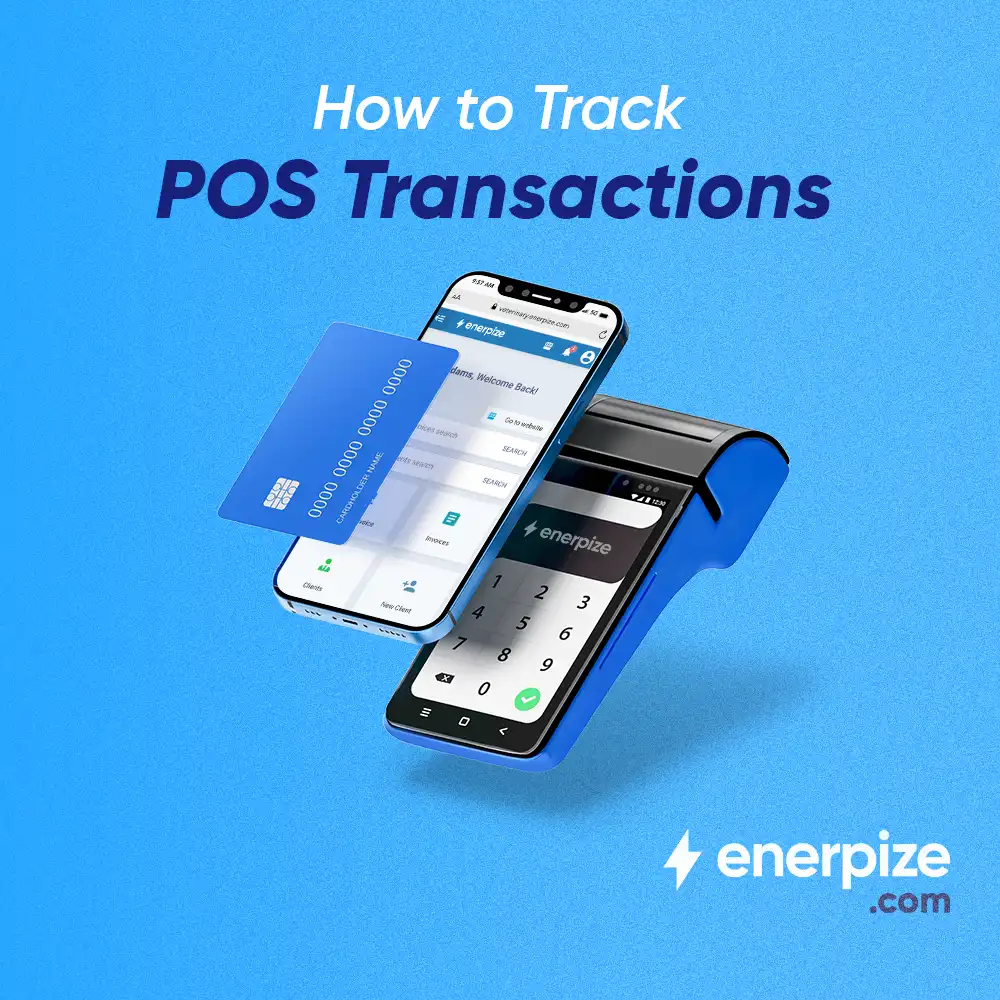
Pos Tracking: Definition and How to Do
Read more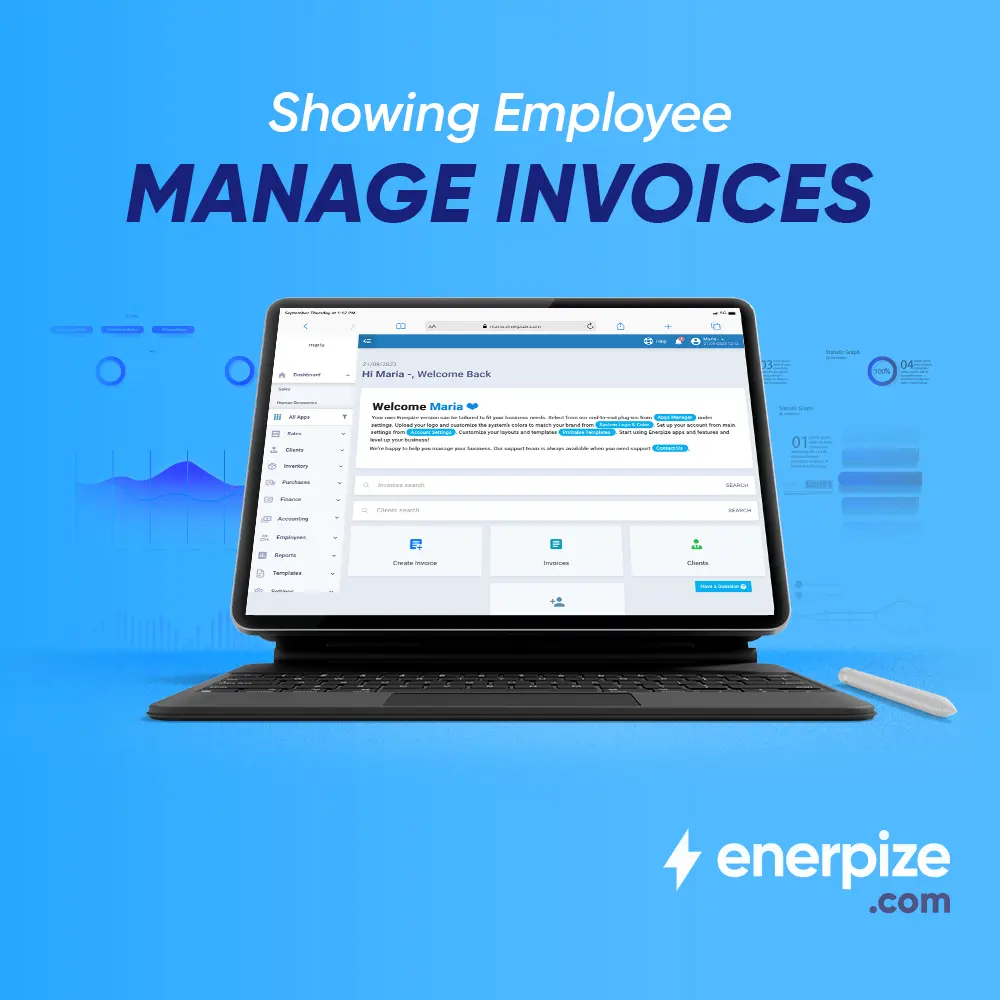 Sales
Sales
What is Invoice Management: A Comprehensive Guide
Read more Sales
Sales
What Is the Best POS for Small Business and How to Choose the Right One
Read more Sales
Sales
What Business Platform Handles Sales Orders, Invoicing, Customer Accounts, and Inventory in One Place?
Read more Sales
Sales
Small Businesses Management Apps: A Buyer's Checklist
Read more Sales
Sales



