Posted on 25 March 2025
Free Invoice Template Download: Word, PDF, Excel, Google Docs & Sheets
- The invoice template is available to download in Excel, Word, Google Sheets, Google Docs, and PDF.
- It enhances credibility, making it easier for clients to process payments without confusion.
- Saves time and reduces Errors with pre-formatted sections, quickly generates accurate invoices, and reduces manual calculation mistakes.
- Keeps an organized record of transactions, ensuring smooth bookkeeping and compliance with tax regulations.


What is The Invoice Template?
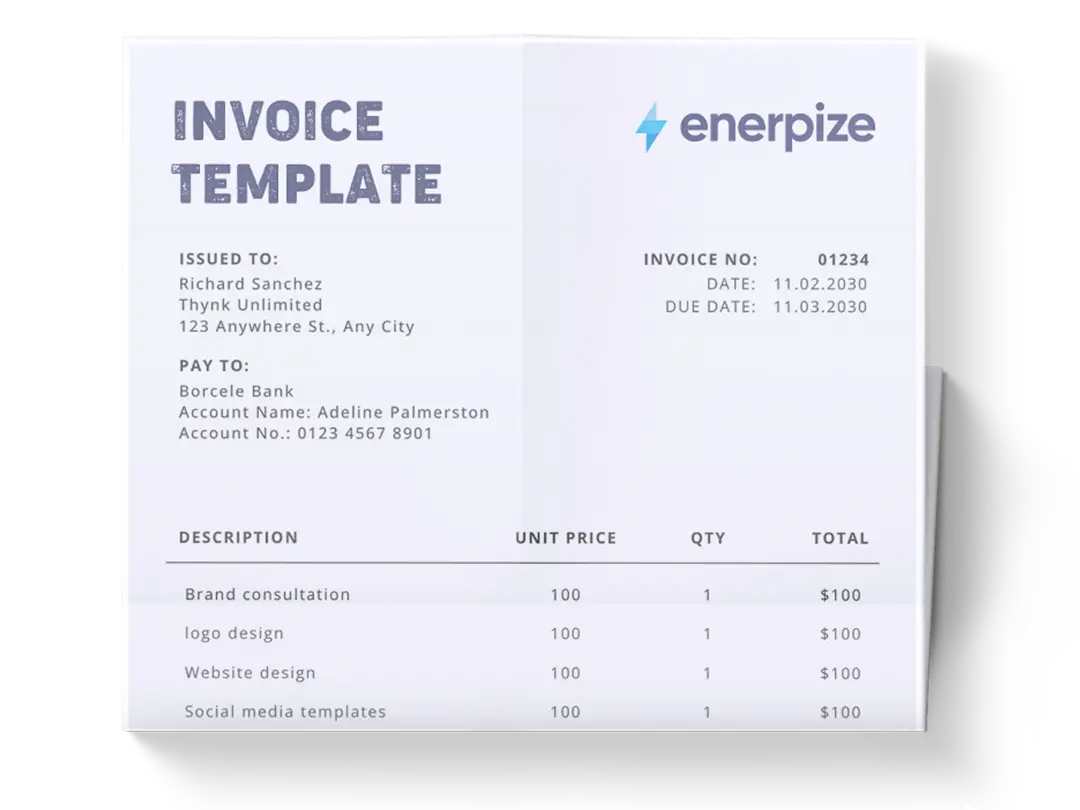
An invoice template is a document designed to help businesses, freelancers, and service providers issue invoices efficiently and professionally. It ensures that every bill issued includes all necessary details, such as business and client information, itemized charges, tax calculations, and payment terms. Invoices serve as formal requests for payment, outlining what has been provided, the agreed-upon cost, and the deadline for payment.
By using an invoice template, you facilitate your billing process, improve financial tracking, and enhance client communication. They also function as essential business records, aiding in financial tracking, tax preparation, and legal compliance.
Want invoices that generate and track themselves? Enerpize calculates totals, applies tax automatically, and shows you the moment a client views or pays. Start for free.
What Our Invoice Template Includes
Most free invoice templates online give you a blank grid and call it done. Ours doesn't stop there, especially now that the underlying document has been rebuilt with what a real invoice actually needs.
Payment Instructions Built In
Most templates give you a total and nothing else, leaving the client guessing how to actually pay you. Ours includes a dedicated block for accepted payment methods, bank details, and a payment link field, so the invoice itself tells the client what to do next.
A Real Notes and Terms Section
Late fees, refund policy, or a simple thank-you note all have a proper place, instead of being squeezed into a margin as an afterthought line.
Separate Issue and Due Dates
Not one combined "invoice details" catch-all. Clients need to see when the invoice was created and when payment is actually expected as two distinct pieces of information.
An Authorization Block
Useful for construction, consulting, and any B2B relationship where a signed invoice carries more weight than an emailed PDF.
Available in Excel, Word, PDF, and Google Sheets.
Importance of Invoice Template
Ensures Accuracy and Consistency
Using the invoice Excel template eliminates inconsistencies in billing, ensuring that each invoice is correctly formatted and contains all required details. This minimizes disputes, enhances transparency, and provides a clear record for both the business and the client.
Simplifies Financial Management
With a structured template, tracking outstanding payments, generating financial reports, and reconciling transactions becomes significantly easier. Businesses can monitor cash flow efficiently and keep track of revenue streams without relying on complex accounting systems.
Enhances Professionalism
A well-structured invoice template presents your business as professional and credible. It conveys reliability to clients and helps maintain a strong business relationship. Customized branding elements like logos and color schemes can further reinforce your brand identity.
Saves Time and Reduces Errors
Manually creating invoices from scratch increases the likelihood of errors and consumes valuable time. The invoice template Excel automates much of the process, ensuring accuracy while allowing businesses to generate invoices quickly and effortlessly.
Supports Compliance and Tax Documentation
Maintaining organized invoices is crucial for tax reporting and regulatory compliance. A properly formatted invoice template makes it easy to track tax liabilities, apply appropriate tax rates, and provide necessary documentation during audits.
Promotes Brand Identity
An invoice is more than just a payment request—it’s a reflection of your brand. Customizable templates allow businesses to incorporate logos, brand colors, and personalized messaging, reinforcing brand identity and professionalism. A polished, well-structured invoice enhances client trust and confidence in your services.
Who Can Use the Invoice Template?
Freelancers and Independent Contractors
Freelancers and independent professionals rely on invoices to request payment for their services. The free download invoice Excel template helps them standardize their billing process, ensuring that clients receive clear and professional invoices that outline services provided, rates, and due dates.
Small Business Owners
Small businesses benefit from invoice templates by streamlining their financial operations. Whether selling products or services, a structured invoice ensures accurate billing, simplifies payment tracking, and aids in financial planning.
Corporations and Large Enterprises
Larger businesses handling multiple transactions daily need a consistent invoicing system. A template ensures uniformity across departments, reduces discrepancies, and makes financial reconciliation more efficient.
Consultants and Service Providers
From legal advisors to marketing consultants, service providers use invoice templates to bill clients transparently. It ensures that each transaction is properly documented, preventing misunderstandings and facilitating smoother payments.
Retailers and E-commerce Businesses
For businesses selling products, invoices serve as proof of purchase and are necessary for tax records. Using a structured invoice template allows retailers to maintain organized sales records and handle customer inquiries efficiently.
What Does The Invoice Template Contain?
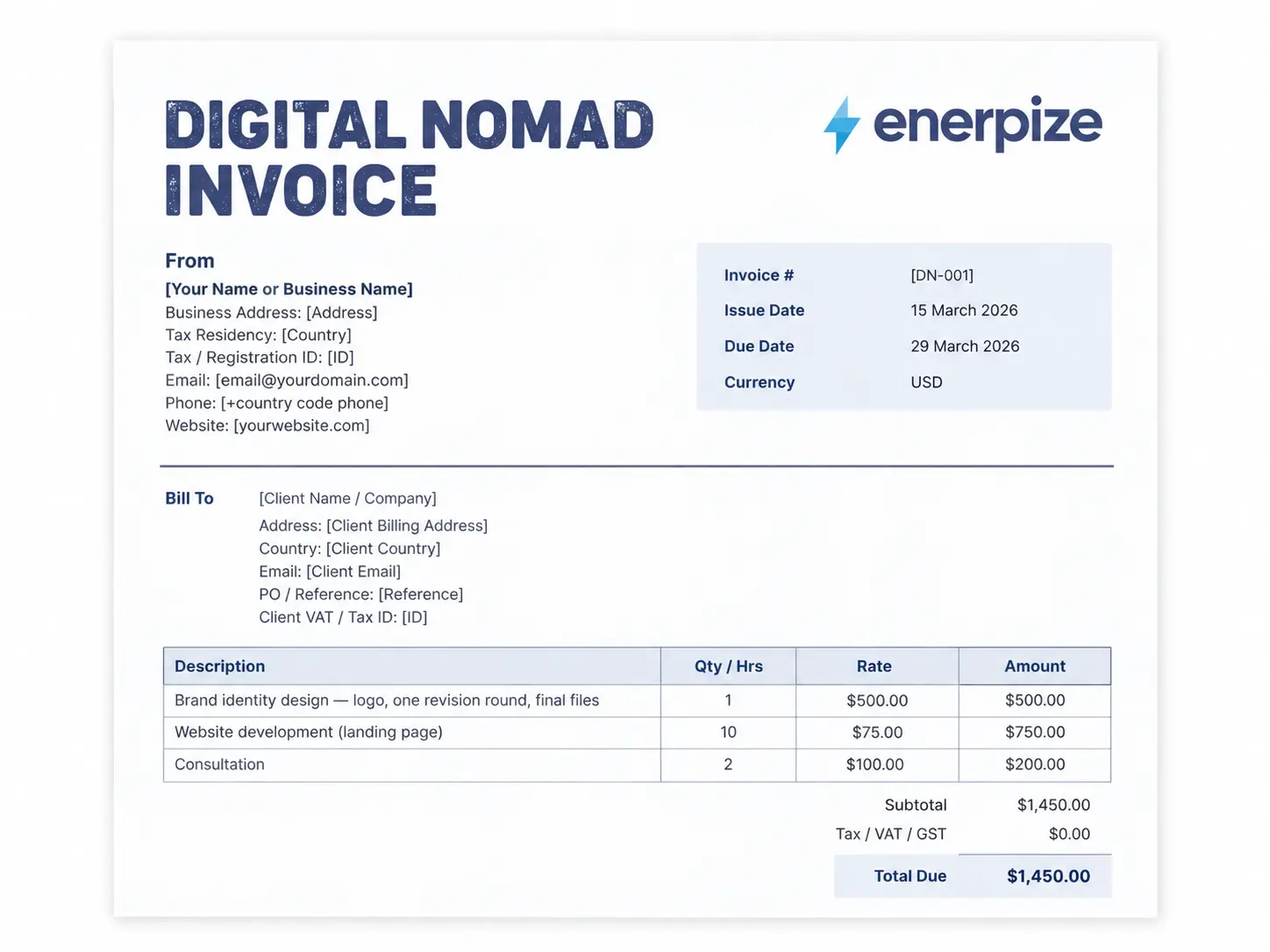
1- Business Details
Essential information about the issuer:
- Business Name
- Address
- Phone Number
- Email Address
2- Billed To
Includes details of the client receiving the invoice:
- Client Name
- Client Address
- Phone Number
3- Invoice Details
Documents key transaction details:
- Invoice Number: A unique identifier for tracking purposes.
- Date of Issue: The date the invoice was created.
- Payment Terms: Specifies when the payment is due (e.g., Net 30, Net 15).
4- Itemized Billing Table
A breakdown of the goods or services provided:
- Item Name: Description of the product or service.
- Unit Cost: The cost per unit of the item or service.
- Quantity: The number of units provided.
- Amount: The total cost for each line item.
5- Payment Summary
Final calculations and totals:
- Subtotal: The total before taxes and discounts.
- Discount: Any applied price reductions.
- Tax Rate: The applicable tax percentage.
- Tax Amount: The calculated tax based on the tax rate.
- Total: The final amount payable after all adjustments.
Stop rebuilding the same invoice from scratch every time. Enerpize saves client details, past invoices, and payment history in one place. Start for free.
Types of Invoices
Not every invoice serves the same purpose. Here's how the common types differ.
Standard Invoice
Requests payment after work is completed or goods are delivered, the most common type, and the one this template is built for.
Pro Forma Invoice
A preview, not a request for payment. It shows the expected cost before the work begins, useful for giving a client a firm quote to approve. See our pro forma invoice template if that's what you actually need.
Commercial Invoice
Used specifically for international shipments, it accompanies goods crossing a border and includes details customs authorities require. Our commercial invoice template is built for that specific use case.
Recurring Invoice
Sent on a fixed schedule, weekly, monthly, or per billing cycle, for an ongoing arrangement. A template handles this fine at a small scale, but recurring billing at any real volume usually calls for automation rather than manually duplicating a file every cycle.
Past Due or Memo Invoice
Follows up on a standard invoice that hasn't been paid, restating the amount owed and adding any late fees.
Timesheet Invoice
Bills for hours worked rather than a flat project fee or product sold, common for freelancers and hourly contractors. Our freelance invoice template is built around this structure specifically.
Credit Invoice
A credit invoice, also known as a credit memo, is issued when a seller needs to adjust the amount owed by the buyer. This might happen due to refunds, returns, or discounts. A credit invoice reflects a negative total, signifying a deduction in the buyer’s outstanding balance. For example, if a customer returns a defective product, the seller may issue a credit invoice to account for the refund. It’s an essential tool for maintaining accurate financial records and fostering customer trust.
Debit Invoice
A debit invoice is issued when additional charges need to be added to a buyer’s balance. This type of invoice is commonly used for services or projects where unforeseen expenses arise, such as extra hours worked or additional materials required. For instance, if a construction project exceeds the initially agreed scope, a debit invoice might be issued to reflect the increased costs. It’s a transparent way to document and communicate changes in pricing.
Interim Invoice
Interim invoices are used for large projects or contracts where payments are broken into multiple installments. This approach is particularly common in industries like construction or event planning, where work is carried out over an extended period. Interim invoices allow businesses to collect partial payments as milestones are reached, ensuring steady cash flow. Once the project is completed, a final invoice is issued to settle the remaining balance. This method benefits both parties by spreading payments over time and reducing financial strain.
How to Use an Invoice Template
1. Gather Necessary Details
Before filling out the blank invoice template, collect all relevant information, including business details, client information, and transaction specifics. Ensure you have records of services provided, quantities, and applicable tax rates.
2. Fill in Business and Client Details
- Enter your business name, address, phone number, and email at the top of the invoice.
- Fill in the client's name, address, and contact information in the "Billed To" section.
3. Assign an Invoice Number and Date
- Use a unique invoice number for each transaction to maintain organized records.
- Set the date of issue to reflect when the invoice is generated.
- Define payment terms, such as Net 30 (payment due in 30 days) or immediate payment upon receipt.
4. List Items or Services Provided
- For each item or service, enter the name, unit price, quantity, and total amount.
- Ensure that all calculations are accurate to avoid discrepancies.
5. Apply Discounts and Taxes
- If applicable, include any discounts offered to the client.
- Specify the tax rate and calculate the tax amount to be added to the total.
6. Calculate the Final Total
- Add the subtotal, subtract any discounts, and include taxes to determine the final amount due.
- Double-check the calculations to ensure accuracy.
7. Specify Payment Instructions
- State-accepted payment methods (bank transfer, credit card, PayPal, etc.).
- Include bank details or payment gateway links if necessary.
- Provide instructions for contacting you in case of questions regarding the invoice.
8. Send and Track the Invoice
- Save the completed invoice in PDF format for easy sharing.
- Send the invoice via email or other agreed-upon methods.
- Keep a record of issued invoices and follow up on outstanding payments as needed.
9. Maintain Organized Records
- Store copies of all invoices for future reference and tax reporting.
- Periodically review invoices to track payment trends and manage cash flow effectively.
10. Automate Where Possible
- If dealing with frequent invoicing, consider using accounting software that integrates with the invoice template.
Set up automated reminders for overdue payments to improve cash flow management.
How Enerpize Handles Invoicing
A template gets one invoice out the door. It doesn't solve what happens once you're sending dozens a month, tracking who's paid and who hasn't, or chasing a client who's gone quiet.
Automatic Calculations and Tax Handling
Enerpize applies tax rates, discounts, and totals automatically as line items are entered, and supports multiple tax settings, GST, VAT, or custom rates, so a business invoicing across different countries isn't rebuilding the tax logic on every invoice.
One Client Record, Every Invoice
Client details, past invoices, and payment history live in one place, so creating a new invoice doesn't mean re-typing the same business name and address every time. The full sales management and billing system covers this end-to-end, from the first quote through to the paid invoice.
Recurring Invoices and Automatic Reminders
Rather than manually duplicating a file every billing cycle, Enerpize generates recurring invoices on a set schedule and sends automatic due-date reminders on your behalf, closing the exact gap a static template can't handle.
Get Paid Through More Than One Channel
Invoices support online payment through PayPal, Stripe, Authorize.net, and other providers, alongside offline methods like cash, check, or bank deposit, so a client isn't stuck waiting for a bank transfer if a card payment would settle it faster. Clients can also view and pay directly through a self-service client portal, without emailing back and forth first. Full invoicing and billing details, including recurring billing and payment options, are covered in the dedicated invoicing module.
Skip Manual Entry With AI Invoice Processing
Scanned invoices, whether PDF, image, or Excel, can be uploaded and read automatically, with product, tax, and client details extracted and matched. Anything that doesn't match gets flagged instead of silently creating an error, so incoming invoices don't require re-typing either.
One System for Invoicing and In-Store Sales
For businesses that sell both online and in person, invoicing connects directly to point of sale, so a sale made at the counter and an invoice sent to a client pull from the same product, pricing, and customer records instead of living in two disconnected systems.
Track What's Actually Been Paid
Every invoice shows its payment status in real time, sent, viewed, paid, or overdue, instead of relying on a mental note or a separate spreadsheet to track who still owes what.
If your business is already sending more than a handful of invoices a month, that's usually the point where a template starts costing more time than it saves.
Ready to send professional invoices without the manual math? Create your first invoice with Enerpize in minutes. Start for free, no credit card required.
What to Do After You Send an Invoice
Sending the invoice is the easy part. Most late payments aren't disputes, they're invoices that got buried in an inbox.
If a week passes with no payment and no response, send a short, polite reminder that references the invoice number and amount directly.
If two weeks pass with still nothing, follow up with a phone call. Confirm the invoice was actually received, ask whether there's a dispute on any line item, and try to agree on a specific payment date.
If a balance goes 30 days past due with no resolution, send a formal past-due notice restating the amount owed and a firm deadline, and consider whether future work for that client should wait until the balance is settled.
Invoice Templates by Country
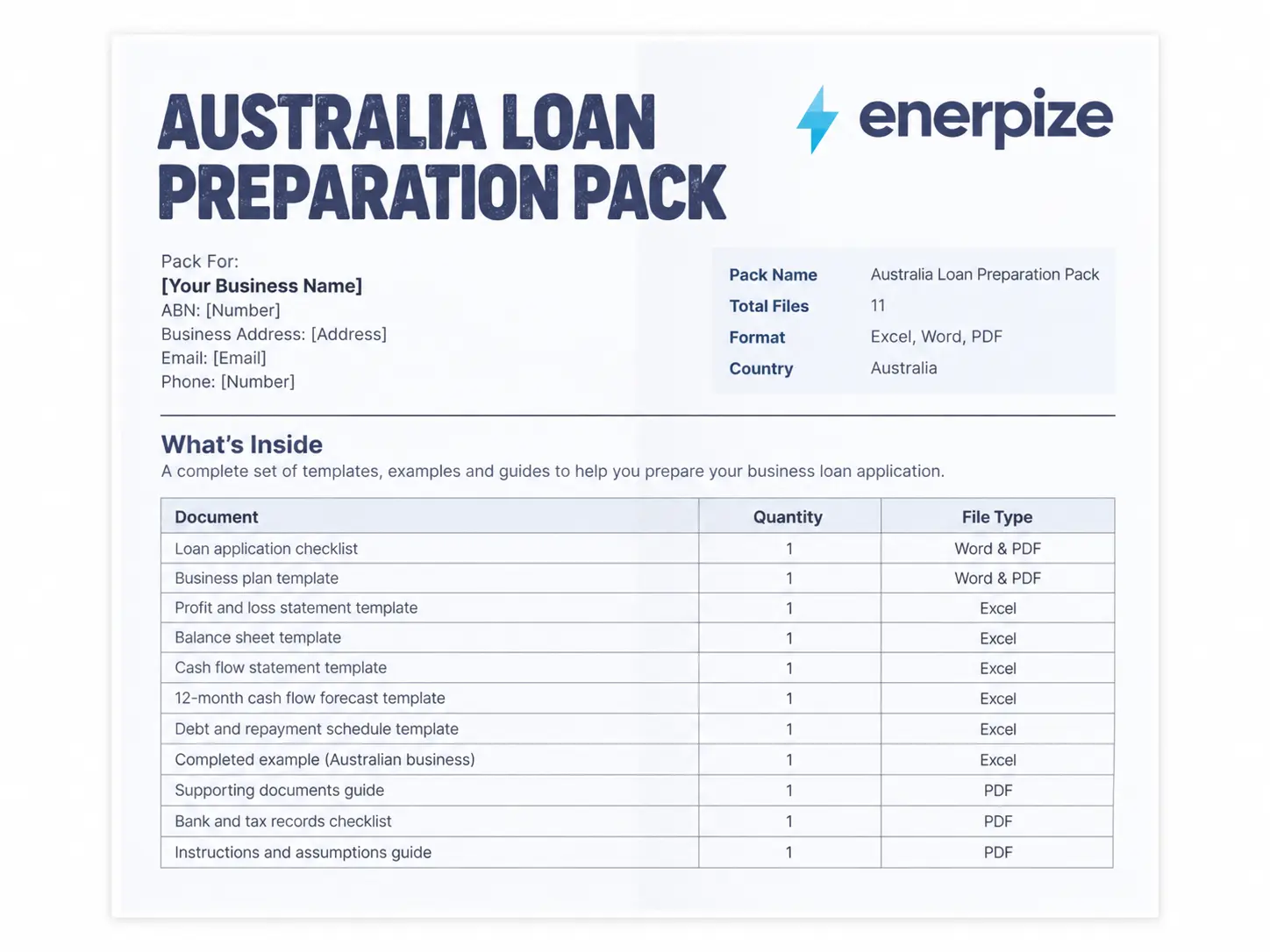
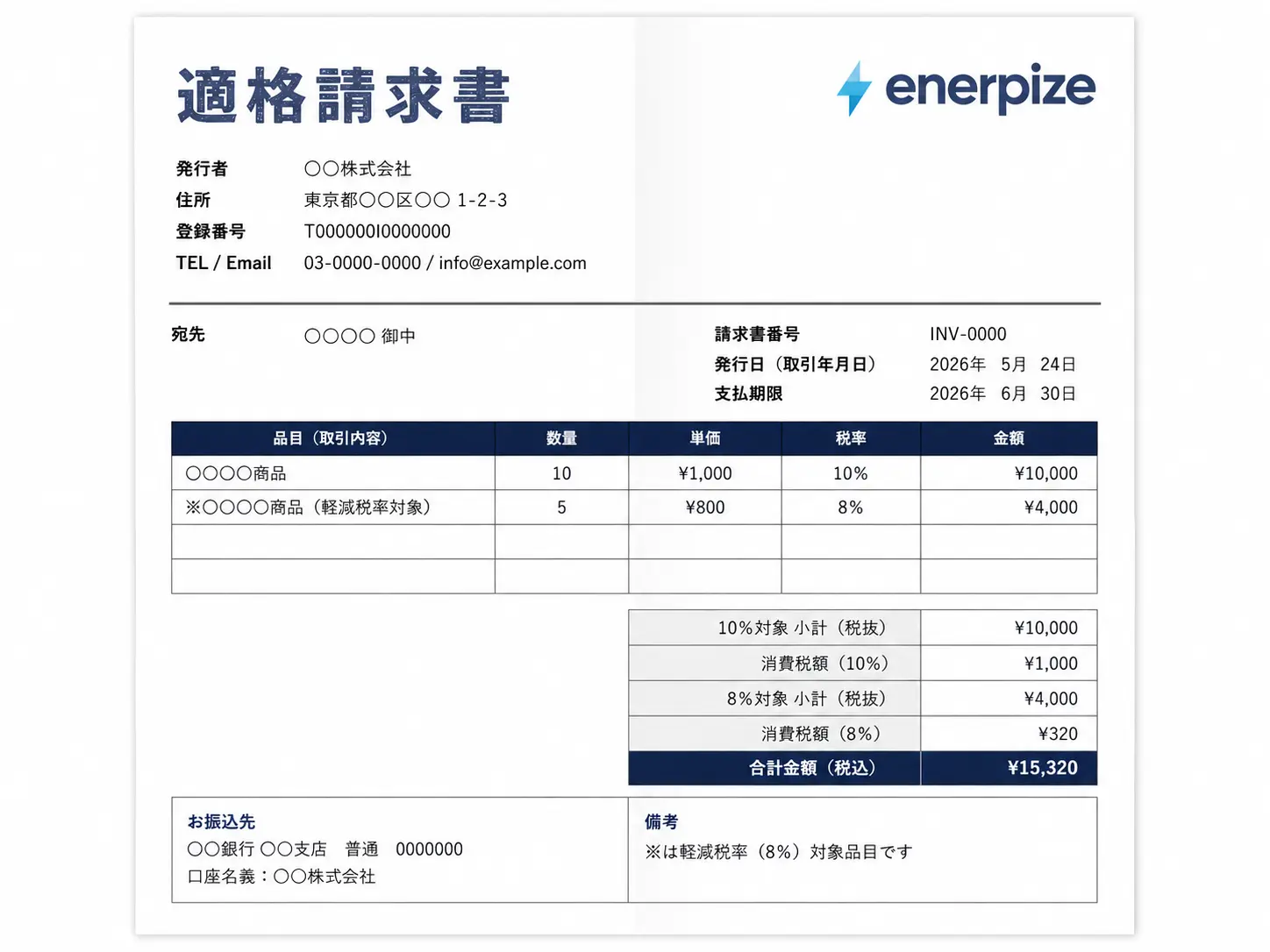
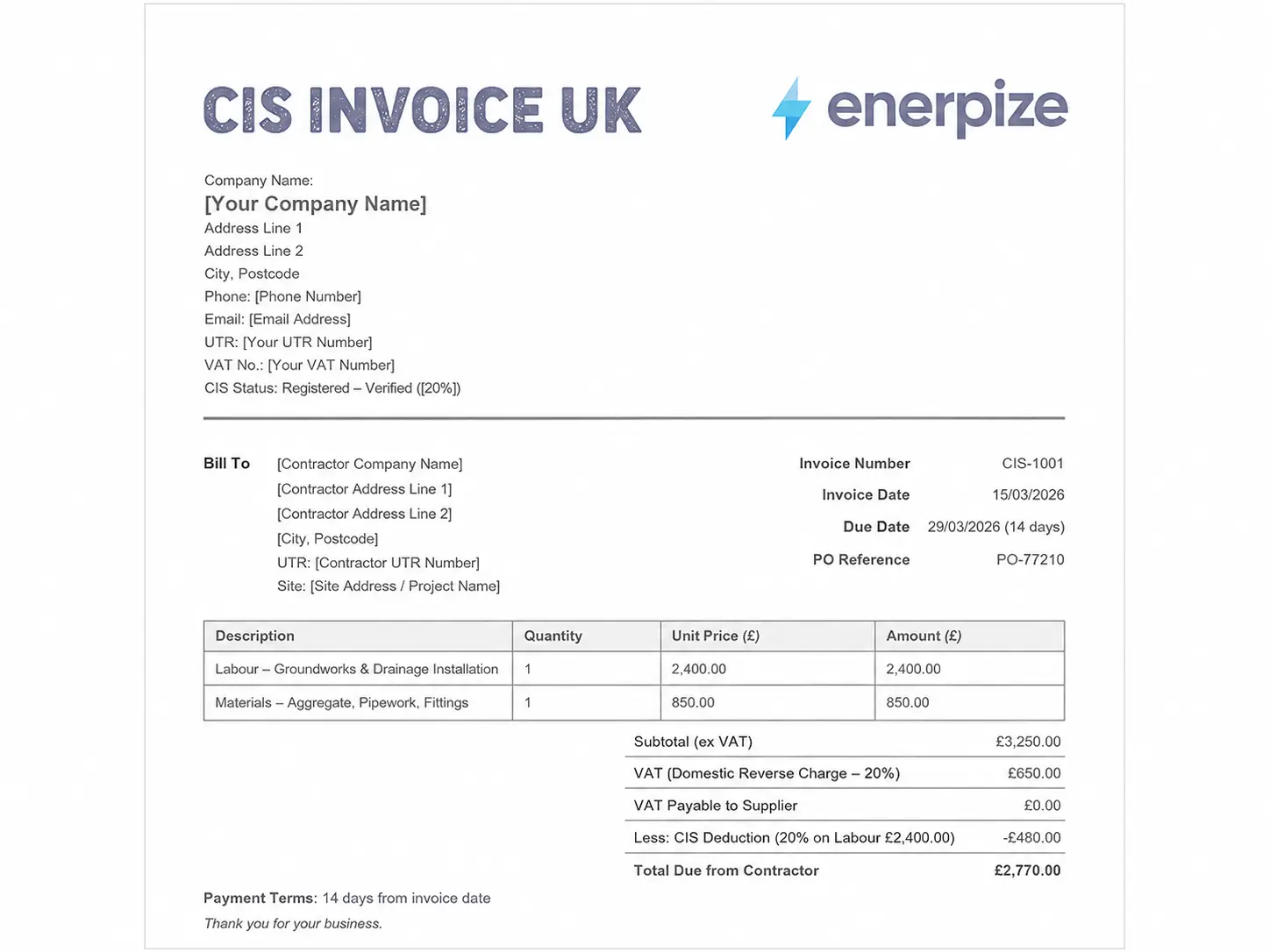
Tax requirements on an invoice vary by country, GST fields, VAT breakdowns, and required business registration numbers all differ depending on where you operate. Rather than cramming every country's requirements into one generic template, we've built dedicated versions for the markets that need them:
- Australian GST Invoice Template
- UK Invoice Template
- Kenya Invoice Template
- South Africa Invoice Template
- Tanzania Invoice Template
If you're not sure which applies, use this generic template for now, and switch once you know your specific country's tax field requirements.
Key Takeaways
- An invoice requests payment for a completed transaction. A pro forma invoice is a preview before work begins, they aren't interchangeable.
- Excel and Google Sheets calculate totals automatically; Word and Google Docs don't; PDF is the safest format for a finished invoice you don't want edited.
- Every invoice needs a unique invoice number, a separate issue date and due date, and clear payment instructions, three things easy to skip and costly to leave out.
- Most late payments are overlooked, not disputed. A short reminder at the one-week mark resolves more of them than an aggressive follow-up would.
- Tax requirements differ by country. Use a dedicated country-specific template once you know which fields your jurisdiction actually requires.
FAQs
What should be included in an invoice template?
At minimum: your business name and contact details, the client's name and contact details, a unique invoice number, the issue date and due date, an itemized list of goods or services with quantities and unit costs, the subtotal, any applicable tax, and the final total. Missing any of these risks confusion or payment delays.
Is an invoice template legally binding?
A properly filled-out invoice can serve as a legally valid billing document as long as it includes accurate business information, client information, itemized amounts, and dates. The template itself is just the format, what makes it valid is filling it out correctly and consistently. For anything involving a formal dispute, consult a legal professional in your jurisdiction.
What's the difference between an invoice template and an invoice generator?
A template is a file you fill in yourself, Excel, Word, PDF, or Google Sheets, and save or send manually. A generator, like Enerpize's invoicing tools, calculates totals, saves client and item details for reuse, and tracks whether an invoice has been sent, viewed, or paid. A template works for occasional invoicing; a generator saves real time once you're invoicing regularly.
Can I set up recurring invoices with a template?
Not directly. A template is a single file you duplicate and edit for a new billing cycle each time. If you're billing the same client on a fixed schedule, weekly, monthly, or otherwise, automating recurring invoices removes the need to manually recreate the same file every period.
About the Author
Omar El Bahr is a Senior Digital Growth Specialist at Enerpize, where he leads SEO, content strategy, and organic growth across international markets. He is a Forbes Communications Council contributor and has written for Entrepreneur on business communication and digital strategy.