Posted on 15 March 2026
1120 Tax Return Template Excel & Google Sheets
- The 1120 tax return template Excel & Google Sheets.
- It structures corporate financial data into a clear format aligned with the logic of a U.S. corporate tax return.
- Helps businesses estimate taxable income and corporate tax liability using a standardized calculation framework.
- Provides an organized worksheet that simplifies preparing information before completing an official Form 1120 filing.


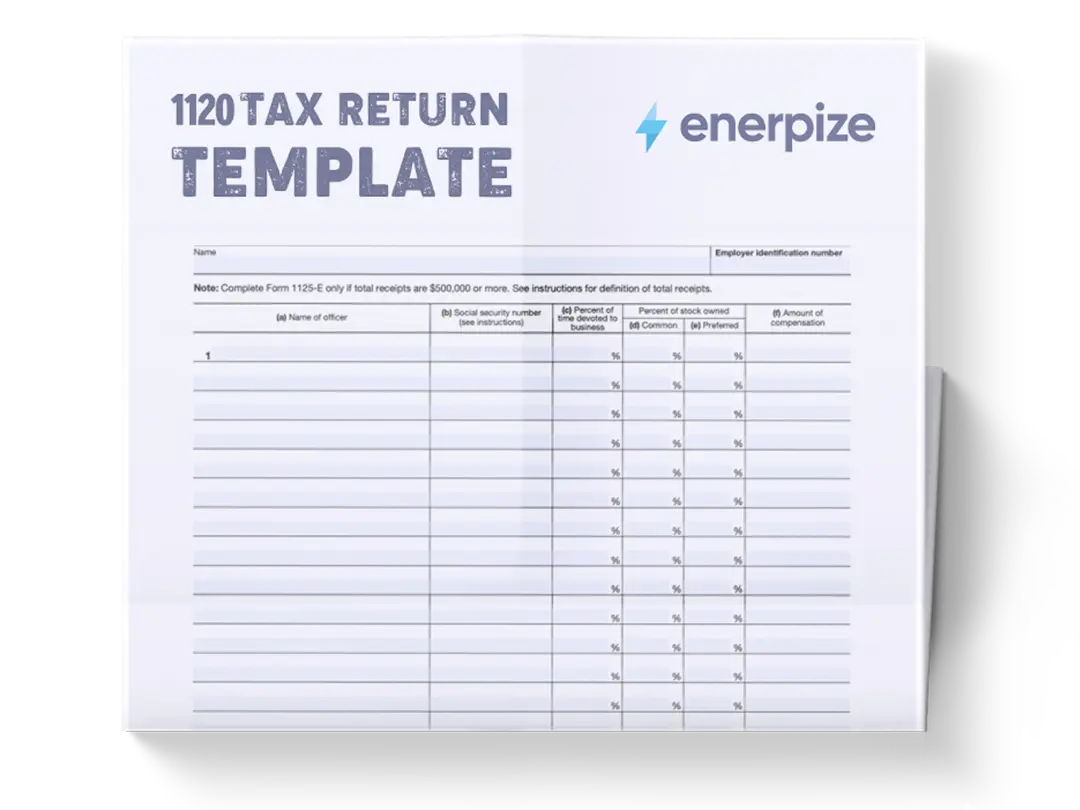
What is the 1120 Tax Return Template?
A 1120 Tax Return Template helps corporations organize the financial information required to prepare a U.S. corporate income tax return. It mirrors the logical flow of the official corporate filing process by grouping financial data into clearly defined sections.
By capturing essential financial figures such as gross receipts, cost of goods sold, operating expenses, and tax payments, the template enables businesses to estimate taxable income and potential federal corporate tax liability. Although it does not replace the official filing form, the template functions as a preparatory tool that ensures financial data is collected, calculated, and verified before submission.
What Does The 1120 Tax Return Template Contain?
Form Details
This section records the identifying information of the corporation. It includes the corporation name, Employer Identification Number (EIN), business address, incorporation date, total assets, accounting method, and the tax year. These details ensure that all financial calculations are associated with the correct legal entity and reporting period.
Gross Receipts or Sales
Captures the total revenue generated from the company’s primary business activities before deductions or adjustments.
Returns and Allowances
Records the value of returned goods, discounts, or refunds issued to customers that must be deducted from gross sales.
Net Sales
Calculated by subtracting returns and allowances from gross receipts. This represents the adjusted revenue from the company’s core operations.
Cost of Goods Sold
Represents the direct costs incurred in producing or purchasing the goods sold during the tax year.
Gross Profit
Determined by subtracting the cost of goods sold from net sales. This figure reflects the profitability of the company’s primary business activities before considering additional income streams or expenses.
Dividends
Captures dividend income received from investments in other companies.
Interest Income
Records interest earned from bank accounts, loans, or other financial investments.
Rental Income
Represents income earned from leasing or renting property owned by the corporation.
Other Income
Captures any additional income not categorized under the previous fields.
Total Income
Automatically aggregates all income sources, providing the company’s total reported income for the tax year.
Compensation of Officers
Records salaries and payments made to corporate officers.
Salaries and Wages
Captures wages paid to employees other than corporate officers.
Repairs and Maintenance
Represents costs associated with maintaining business property and equipment.
Bad Debts
Accounts for uncollectible receivables written off during the tax year.
Rents
Records expenses paid for rented property or office space.
Taxes and Licenses
Captures regulatory taxes, licensing fees, and other required governmental charges.
Interest Expense
Represents interest paid on loans or other financing obligations.
Charitable Contributions
Records donations made by the corporation to eligible charitable organizations.
Depreciation
Represents the allocated cost of tangible assets over their useful lives.
Advertising
Captures marketing and promotional expenditures incurred during the tax year.
Employee Benefit Programs
Represents the cost of employee benefits such as health insurance or retirement contributions.
Other Deductions
Includes additional deductible expenses not specifically categorized elsewhere.
Total Deductions
Automatically sums all deductible expenses to determine the total deduction amount.
Taxable Income Before NOL
Calculated by subtracting total deductions from total income, representing the corporation’s preliminary taxable income.
Net Operating Loss Deduction
Captures any allowable deduction from prior-year operating losses.
Taxable Income
Represents the final taxable income after applying the net operating loss deduction.
Federal Corporate Tax Rate
Displays the applicable corporate tax rate used to calculate the tax liability.
Total Tax Liability
Calculates the corporation’s federal tax liability based on taxable income and the corporate tax rate.
Estimated Tax Payments
Records quarterly estimated tax payments already made during the year.
Tax Credits
Captures any credits that reduce the corporation’s total tax liability.
Total Payments
Aggregates estimated payments and credits to determine the total amount already paid toward the tax liability.
Tax Due
Calculates the remaining tax balance after payments are applied.
Net Tax Balance
Represents the difference between total tax liability and payments.
Refund
Indicates the amount refundable if total payments exceed the calculated tax liability.
Amount Owed
Displays the remaining tax amount the corporation must pay if the tax liability exceeds payments.
How to Use The 1120 Tax Return Template
1. Gather Corporate Financial Records
Before entering information into the template, collect all relevant financial documents for the tax year. These typically include income statements, sales reports, bank statements, payroll records, expense reports, and documentation related to business deductions. Ensuring these records are accurate and complete helps prevent errors in income reporting and deduction calculations later in the process.
2. Complete the Form Details Section
Begin by filling in the corporation’s identifying information. Enter the business name, EIN, company address, incorporation date, total assets, accounting method, and the applicable tax year. These fields establish the context for the entire worksheet and ensure the calculations correspond to the correct legal entity and reporting period.
3. Enter Revenue Information in the Income Section
Next, input the company’s income figures. Start with gross receipts or sales, then record any returns and allowances to determine net sales. Continue entering additional income sources such as dividends, interest income, rental income, and other income. The template automatically calculates total income once these fields are completed.
4. Record Business Expenses in the Deductions Section
After documenting income, move to the deductions section. Enter operating expenses such as officer compensation, employee wages, rent, repairs, taxes, advertising costs, and employee benefit expenses. These figures represent legitimate business expenses that reduce taxable income. Once all deductions are entered, the template automatically calculates the total deductions.
5. Review the Tax Calculation Section
The template will then calculate taxable income before any net operating loss deduction. If the corporation has eligible losses carried forward from prior years, enter them in the net operating loss deduction field. The worksheet will calculate the final taxable income and apply the federal corporate tax rate to determine the estimated total tax liability.
6. Enter Payments and Credits
Record any estimated tax payments made during the year, along with any applicable tax credits. These entries allow the template to calculate how much of the total tax liability has already been satisfied.
7. Determine the Final Tax Position
The final section calculates whether the corporation owes additional tax or is eligible for a refund. If total payments exceed the calculated tax liability, the template shows a refund amount. If the liability is greater than the payments made, the worksheet indicates the remaining amount owed.
8. Review the Entire Worksheet for Accuracy
Before using the information for tax preparation, review every entry carefully. Verify income totals, expense categories, and tax calculations against financial records. This review step helps ensure the template accurately reflects the company’s financial position before transferring the data into the official tax filing process.
Related Templates
Importance of 1120 Tax Return Template
Organizes complex corporate tax data into a structured framework
Corporate tax preparation involves consolidating multiple financial data points into a single filing. Without a structured format, these figures are often scattered across accounting systems, spreadsheets, and financial reports.
Reduces errors in corporate tax calculations
Manual tax calculations often introduce risks such as incorrect totals, overlooked deductions, or misapplied tax rates. A structured template minimizes these risks by incorporating automated formulas that calculate totals, taxable income, and tax liability as data is entered.
Improves financial visibility before tax filing
Preparing a corporate tax return is not only about compliance, it also provides valuable insights into a company’s financial performance. By summarizing revenue sources, operating expenses, and net taxable income in one place, the template provides a clear snapshot of the corporation’s financial activity during the tax year.
Supports better documentation and audit readiness
Corporate tax filings must be supported by clear documentation and traceable financial records. A well-organized template creates a documented pathway from raw financial data to calculated tax results. Each income category, expense entry, and payment record is documented in a structured manner that can easily be cross-referenced with supporting documents.
Who Can Use the 1120 Tax Return Template?
Corporate finance teams and accounting departments
Finance professionals responsible for preparing corporate tax filings benefit significantly from a structured worksheet that consolidates financial data into one place. The 1120 tax return template enables accountants and financial controllers to organize income figures, track deductible expenses, and estimate tax liability before completing the official tax return.
Small and mid-sized corporation owners
Many small and mid-sized corporations manage portions of their financial reporting internally before consulting with professional tax advisors. For these businesses, the template serves as an accessible tool for summarizing financial activity and estimating corporate taxes owed.
Bookkeepers and independent accounting consultants
Independent bookkeepers and consultants often assist multiple corporate clients with financial recordkeeping and tax preparation support. The template provides a standardized structure that consultants can apply across different businesses to organize financial data consistently.
Business advisors and financial analysts
Advisors who analyze corporate performance often review tax data as part of broader financial assessments. The 1120 tax return template provides a clear summary of revenue, deductions, and tax liabilities, enabling analysts to evaluate a company’s operational efficiency and financial trends.
Looking for Beyond Just Basic Tax Preparation?
While this 1120 Tax Return Template helps you organize corporate income, deductions, and tax calculations, businesses often need more advanced financial management capabilities. That’s where Enerpize, our all-in-one ERP platform, comes in.
With Enerpize Expense Management Software, you can:
- Track revenue, expenses, and financial performance across your entire business in real time
- Automate accounting workflows and integrate tax-ready financial data from multiple departments
- Gain deeper operational insights with unified reporting, forecasting, and financial analytics
If you’re ready to move beyond spreadsheets, Enerpize brings enterprise-grade control to growing teams.
Disclaimer
All liability with respect to actions taken or not taken based on the contents of this template is expressly disclaimed.
The sole purpose of this template is to illustrate the underlying concept and objective of organizing financial data used in corporate tax preparation.
This form is not endorsed, approved, or recognized by any official U.S. judicial or governmental authorities.
Users should consult qualified tax professionals or official government resources when preparing or submitting an actual corporate tax return.