Posted on 10 December 2025
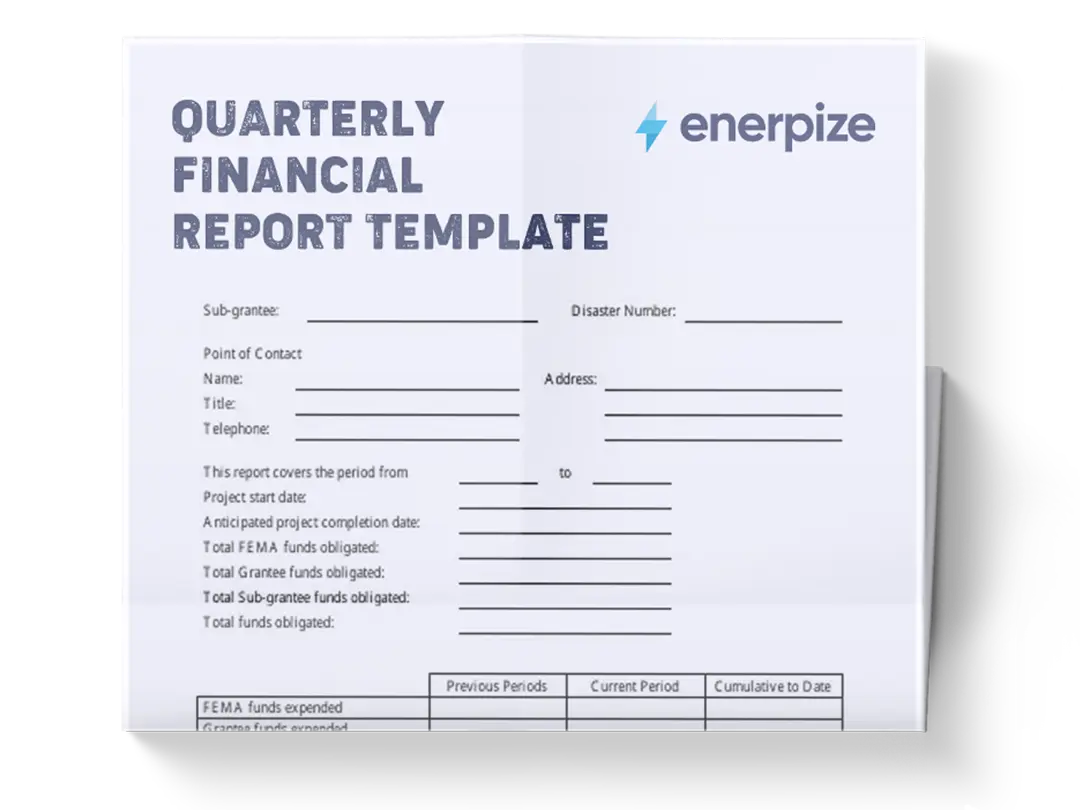
Quarterly Financial Report Template Excel & Google Sheets
- The quarterly financial report template is available in Excel and Google Sheets.
- It provides a structured framework for analyzing quarterly and annual performance across Profit & Loss, Balance Sheet, Ratios, and Cash Flow.
- Allows for accurate variance tracking against budgeted figures and prior-year actuals, supporting real-time decision-making.
- Ideal for finance teams, business owners, analysts, and managers who need a reliable, repeatable way to evaluate financial health each quarter.


What is the Quarterly Financial Report Template?
The Quarterly Financial Report Template helps businesses monitor quarterly operational performance, financial position, cash flow, and key financial ratios. It organizes data across Profit & Loss, Balance Sheet, Cash Flow Statement, and Financial Ratios, enabling you to evaluate performance trends and detect strengths or risks as the year progresses.
It makes reporting easier by aligning quarterly actuals alongside fiscal-year totals, budgets, and prior-year comparisons, so you can measure variance and assess whether the business is ahead or behind expectations.
What Does the Quarterly Financial Report Template Contain?
Profit & loss
Tracks revenue, costs, and profitability metrics across all four quarters. Includes FY Actual, Budget, Variance, % Variance, PY Actual, and PY Variance. Each row (Revenue, COGS, Gross Profit, Sales & Marketing, Labor Costs, Admin/General, EBIT, Net Profit) shows how performance evolves quarterly and how it compares with financial expectations and previous-year results.
You may also like: Free Profit and Loss Statement Template
Balance sheet
A quarterly summary of assets, liabilities, and equity. This section includes Beginning Cash, Accounts Receivable, Inventory, Total Current Assets, Net Fixed Assets, Total Assets, Accounts Payable, Short-Term Debt, Total Current Liabilities, Long-Term Debt, Total Liabilities, Equity, and Total Liab. + Equity. It also contains a Balance Check line, ensuring assets equal liabilities plus equity.
You may also like: Balance Sheet Template
Financial ratios
A calculation-driven section presenting critical indicators for profitability, liquidity, leverage, and efficiency. Ratios include Gross Margin, Net Profit Margin, Current Ratio, Debt-to-Equity, Working Capital, Quick Ratio, Asset Turnover, and Equity Ratio, with quarterly values plus FY totals, budget comparisons, and prior-year metrics.
Cash flow statement
Shows quarter-by-quarter cash activity across Operating (CFO), Investing (CFI), and Financing (CFF) activities. Includes Net Cash Flow and Ending Cash Balance to track liquidity movement across the year as operations and investment decisions evolve.
You may also like: Cash Flow Statement Template
How to Use the Quarterly Financial Report Template
1- Start by Entering Quarterly Actuals
Populate Q1 Actual, Q2 Actual, Q3 Actual, and Q4 Actual columns for all rows in each major section—Profit & Loss, Balance Sheet, Financial Ratios, and Cash Flow. These are your core data inputs and drive all annual totals and comparisons.
2- Review Auto-Calculated FY Actual Values
Once quarterly data is filled, verify the FY Actual column. For items such as Revenue, COGS, EBIT, Total Assets, Net Cash Flow, and Ending Cash Balance, the template aggregates quarterly values to produce the annual figure.
3- Enter Budget Figures for Each Line Item
In the Budget column, input annual budgeted values for all items listed. These numbers become the baseline for the Variance and % Variance columns.
4- Compare Performance Using Variance and % Variance
After entering budgets, check the Variance column (FY Actual – Budget) and the % Variance column. These fields quantify whether performance is above, at, or below expectations. No manual work is needed here unless you built a variant of the template—these values compute automatically.
5- Add Prior Year Actuals
Next, populate the PY Actual column for each line item. This allows a year-over-year performance comparison across every segment of revenue, cost, asset management, liabilities, cash flow, and ratios.
6- Review PY Variance Column
The PY Variance column shows the change between the current fiscal year and the previous one. It highlights improvements or declines across operational performance, liquidity, leverage, and profitability.
7- Confirm Balance Sheet Accuracy Using “Balance Check”
Scroll to the "Balance Check" row in the Balance Sheet section. The value should be zero. If not, re-check your asset or liability inputs to ensure Total Assets equals Total Liabilities + Equity.
8- Analyze Financial Ratios After All Inputs Are Entered
Only review ratios once all quarterly data, FY totals, budgets, and prior-year numbers are in place. Ratios depend on earlier sections (Profit & Loss and Balance Sheet), so calculation integrity flows from accurate inputs. Examine each quarter’s ratios, FY totals, variance against budget, and prior-year comparisons.
9- Finalize Cash Flow Data
Ensure that CFO, CFI, and CFF are populated correctly for each quarter. Confirm that Net Cash Flow is the sum of these components and that Ending Cash Balance aligns with the quarterly Beginning Cash values in the Balance Sheet.
10- Use FY-Level Insights for Reporting
When completed, your report will display a full-year view of performance, position, liquidity, and efficiency. Use these outputs for quarterly board decks, executive summaries, investor reviews, or operational adjustments for the coming quarter.
Related Templates
Financial Analysis Report Template
Daily Cash Flow Excel Template
Annual Business Report Template
Importance of Quarterly Financial Report Template
Provides Consistent, Repeatable Quarterly Reporting
A standardized template ensures that each quarter’s financial results are captured in the same structure, enabling comparability and reducing the risk of misreporting. This consistency is essential for teams presenting recurring financial updates to executives, stakeholders, or investors.
Enables Clear Budget vs. Actual Performance Tracking
By pairing FY Actuals with Budget and Variance columns, the template highlights which areas are outperforming expectations and which need corrective action. This empowers decision-makers to intervene early—before issues escalate into year-end complications.
Strengthens Year-Over-Year Financial Analysis
The direct inclusion of PY Actual and PY Variance gives immediate visibility into whether the business is improving across revenue, profitability, liquidity, leverage, and cash generation. This YOY lens is critical for long-range planning and evaluating strategic progress.
Integrates All Major Financial Statements in One Place
Profit & Loss, Balance Sheet, Cash Flow, and Ratios appear in a unified format, eliminating the need to piece together insights from multiple files. Cross-referencing becomes faster, and the relationship between operational results, financial position, and liquidity is clearer.
Enhances Decision-Making and Forward Planning
With quarterly data flowing into FY totals and performance indicators, leadership can spot patterns, anticipate financial constraints, and adjust budgets or strategies ahead of time. This proactive visibility is invaluable for operational and strategic alignment.
Who Can Use the Quarterly Financial Report Template?
Business Owners and Founders
Entrepreneurs can use the template to maintain financial control as their business grows—tracking quarterly performance, identifying spending inefficiencies, and validating whether the business is on track with annual goals.
Finance Managers and Accounting Teams
The template supports monthly close, quarterly close, budget reviews, and audit preparation. Its structured format helps finance teams consolidate data rapidly and communicate insights clearly to executives.
FP&A Analysts and Strategic Planners
Analysts benefit from the detailed variance and ratio breakdowns, which provide the inputs needed for forecasts, scenario planning, and management reporting. The template functions as a ready-made base for deeper modeling.
Executives and Board Members
Leadership teams rely on clear quarterly insights to evaluate company performance, assess risks, and make capital allocation decisions. This template delivers a structured snapshot that informs those high-level discussions.
Consultants, Advisors, and External Auditors
Advisors use this template to review client financials efficiently, diagnose problems, and recommend improvements. Auditors benefit from the organized layout that simplifies tracing values across statements.